


| App Name | Astrospheric |
| Developer | Daniel Fiordalis |
| Category | Lifestyle |
| Size | 11.90M |
| Latest Version | 10.7.2 |
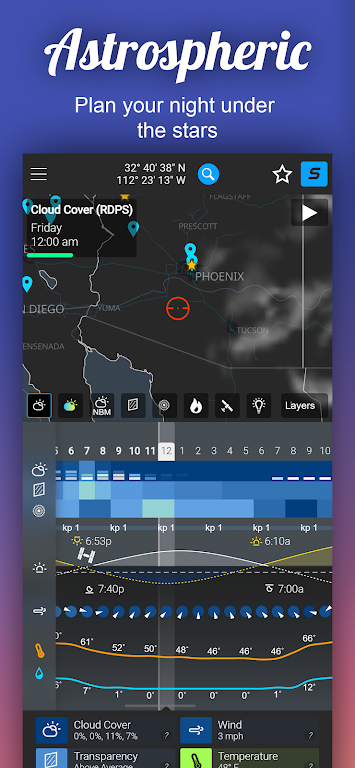
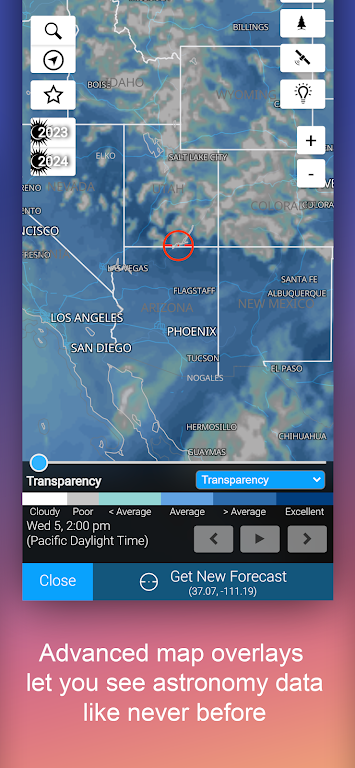
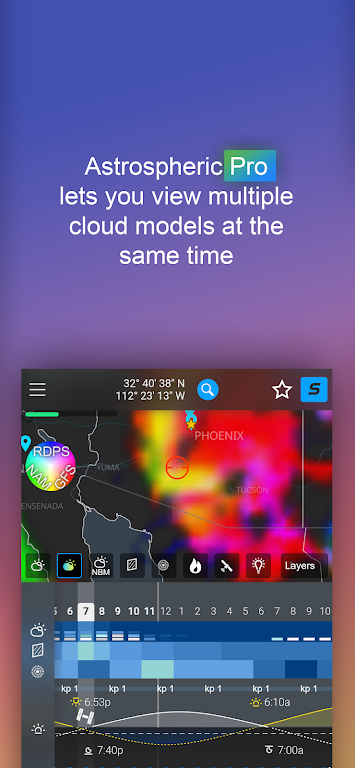
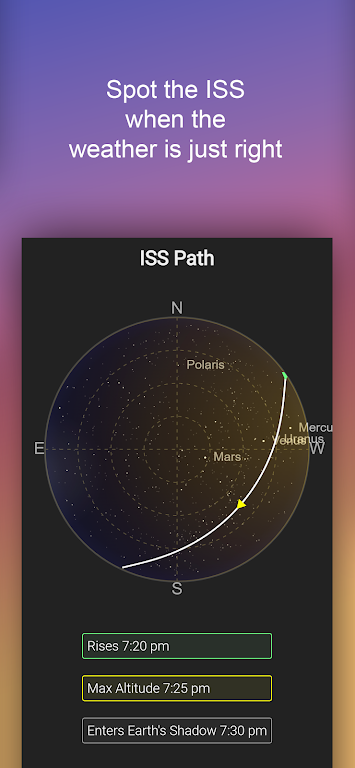


Astrospheric is a sophisticated weather forecasting application tailored for astronomers and astrophotographers across the Continental US and Canada. It delivers an 84-hour, hourly forecast refreshed every six hours. This tool excels with its Ensemble cloud forecast, which contrasts major forecasting models, and incorporates smoke forecasts into transparency reports. Other notable features include the Kp index for Aurora visibility, ISS flyover trajectories, and exact sunrise, sunset, moonrise, and moonset times. Astrospheric also provides community functions for astronomy clubs to communicate and collaborate.
Astrospheric Features:
❤ Comprehensive 84-hour hourly forecast
❤ Exclusive CMC astronomy data updated every 6 hours
❤ Ensemble cloud forecast simplifies comparing leading models
❤ Kp index for tracking Auroras and ISS flyover paths
❤ Smoke forecast integration in the transparency report
❤ Societies can stay connected via chat, photo sharing, and event coordination
In Summary:
Astrospheric provides a suite of advanced meteorological tools specifically for serious astronomers and astrophotographers. With its detailed forecasts, exclusive frequent data updates, and cloud model comparisons, it’s the ideal companion for dedicated stargazers. Connect with other enthusiasts using the app’s built-in society tools, and rely on weather alerts and accurate rise/set times to catch every celestial event. Unlock even more robust capabilities with Astrospheric Professional. Start your download today to enhance your astronomy practice!How to Use Astrospheric:
Download and Install: Get Astrospheric from your device's app store.
Launch the App: Open the app and allow any required permissions.
Set Your Location: Ensure your location is configured for precise local forecasts.
Explore the Forecast: Review current and upcoming forecasts, covering cloud cover, transparency, and seeing conditions.
Use Pro Features: For Pro users, utilize features like weather alerts and the Ensemble cloud forecast.
Connect with Others: Participate in the community to share images, chat, and organize events.
Site Mode: Activate this mode for essential data when setting up your GOTO tracking mount.
Check for Updates: Regularly update the app to access new features and enhancements.
Troubleshooting: If problems occur, visit the help section on Astrospheric’s website.
Privacy Considerations: Understand the app's privacy policy and how your data is managed.
-
 Sonic Racing: CrossWorlds Characters and Tracks Revealed for Upcoming Closed Network Test
-
 Marvel Rivals Season 1 Release Date Revealed
-
 RAID Shadow Legends: Mythical Champions Tier List Revealed
-
 Announcing Path of Exile 2: Guide to Sisters of Garukhan Expansion
-
 Honkai: Star Rail Update Unveils Penacony Conclusion
-
 Best Model Kits for Adults in 2025: Ultimate Guide