

Home > Apps > Communication > Auto RDM: Recover Messages

| App Name | Auto RDM: Recover Messages |
| Developer | ZipoApps |
| Category | Communication |
| Size | 21.49M |
| Latest Version | 2.0.2 |
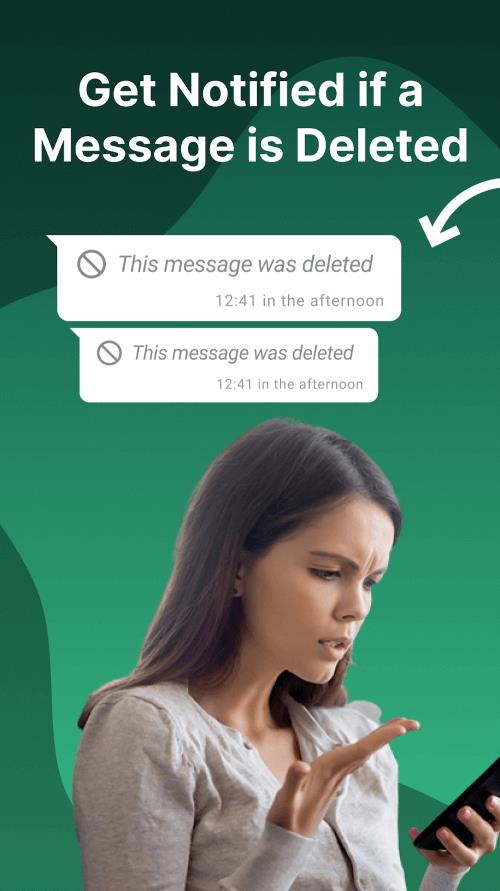
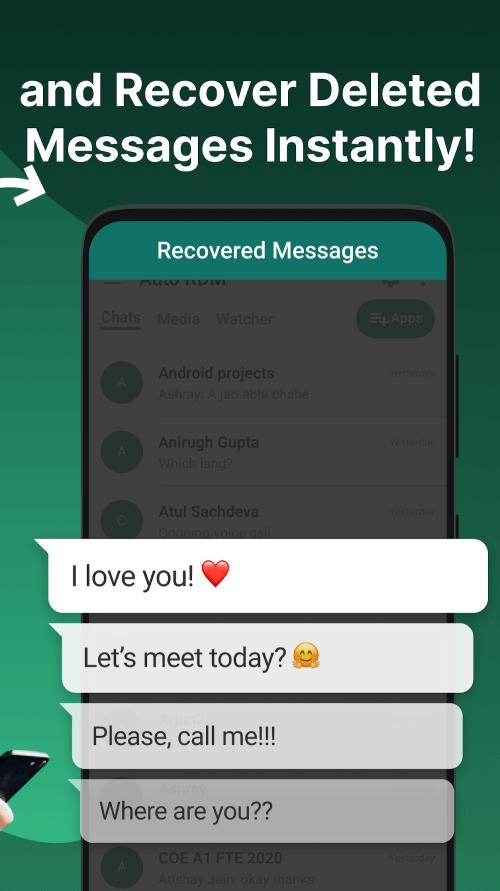
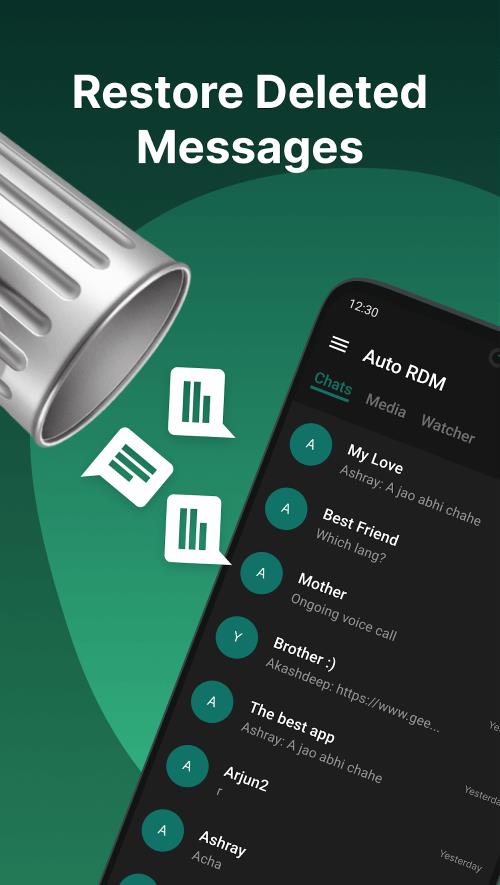


Auto RDM lets you easily retrieve deleted texts and media from your favorite messaging apps, so you never miss a message. This powerful recovery tool scans your notifications to restore everything—from messages and images to videos and stickers—making it the ultimate solution for message recovery.
Key Features of Auto RDM
> Recover deleted messages instantly and anonymously.
> Encrypted protection for your private conversations.
> Scan notification history to restore deleted texts.
> Effortlessly recover all lost media files.
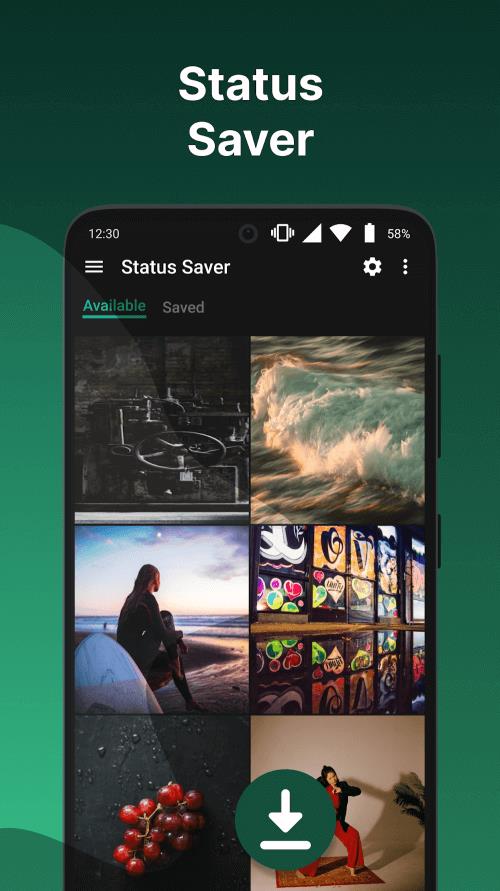
> Save status updates, photos, and videos.
> Easily share with non-contacts, forward messages, or copy content.
How Does It Work?
Auto RDM is a helpful Android tool that recovers deleted messages and media from messaging apps. While it works with many popular platforms, it's especially designed for WhatsApp. The app saves messages instantly after they’re sent, so even if the other person deletes them, you’ll still have access—ensuring you never miss a deleted text, photo, or voice message.
Use the app to restore deleted messages in seconds. Recover any type of media—photos, videos, audio, GIFs, or stickers. Use the built-in status saver for images and videos. Chat directly within Auto RDM without opening your messaging apps. Enable Dark Mode for comfortable viewing and easy access to all features.
Requirements
Interested in Auto RDM? Download the free version from 40407.com—it’s available for all Android users with plenty of useful recovery options. For an ad-free experience with full functionality, upgrade to the paid version.
We also recommend updating your Android device to the latest firmware, preferably Android 5.1 or higher, for better stability and compatibility—especially with future updates.
Auto RDM requires certain access permissions to work correctly. Make sure to grant the necessary permissions when you first open the app.
Note: Auto RDM won't work with muted conversations or when you're actively viewing the chat. If app notifications are disabled, recovery isn't possible. Also, messages deleted before installing the app can't be recovered, as Auto RDM only saves messages after installation.
What's New
- Added "delete all" option for Recovered Media
- Multi-delete feature for monitored apps
- Bug fixes applied
- Fixed crash when granting permissions
-
 Sonic Racing: CrossWorlds Characters and Tracks Revealed for Upcoming Closed Network Test
-
 Marvel Rivals Season 1 Release Date Revealed
-
 RAID Shadow Legends: Mythical Champions Tier List Revealed
-
 Honkai: Star Rail Update Unveils Penacony Conclusion
-
 Announcing Path of Exile 2: Guide to Sisters of Garukhan Expansion
-
 Best Model Kits for Adults in 2025: Ultimate Guide