

Home > Apps > Productivity > Microsoft Planner

| App Name | Microsoft Planner |
| Developer | Microsoft Corporation |
| Category | Productivity |
| Size | 31.80M |
| Latest Version | 1.18.18 |
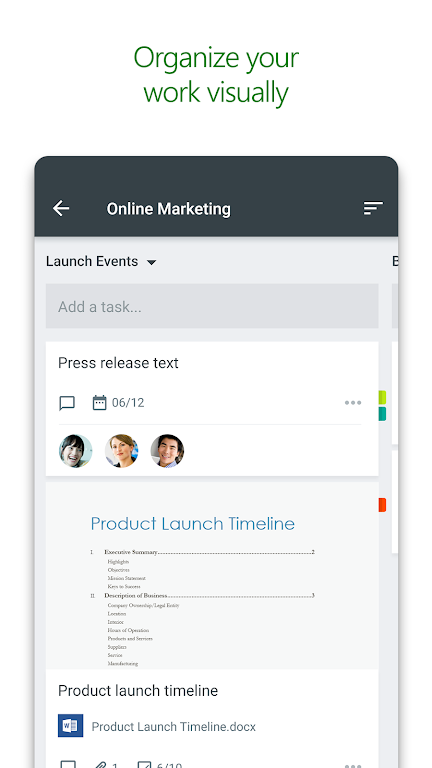
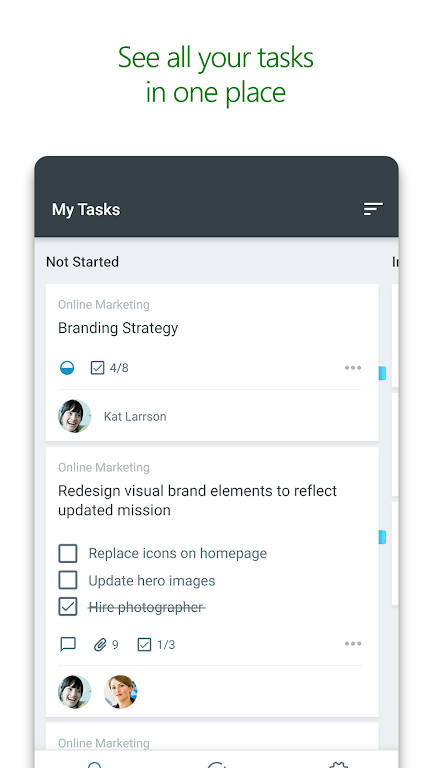
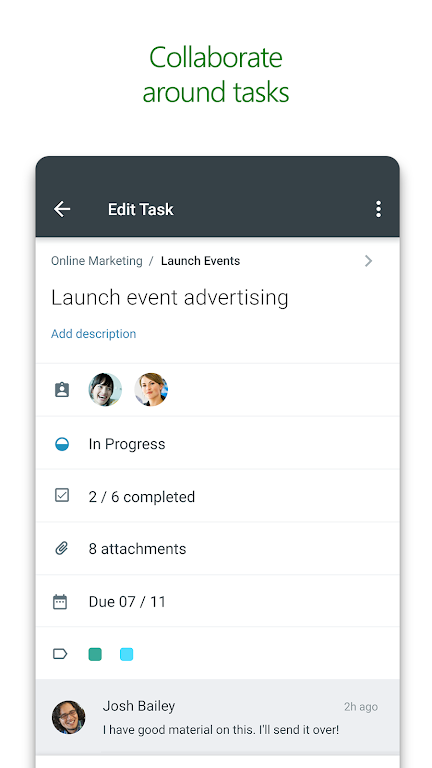
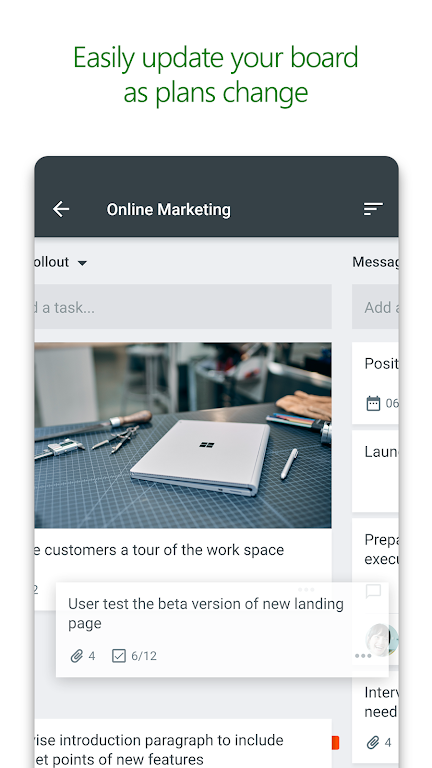


Microsoft Planner is built to enhance team coordination for organizations with an Office 365 subscription. Its intuitive interface lets teams quickly set up plans, delegate tasks, share documents, and track progress—all from a single hub. By sorting tasks into customizable buckets and offering a clear visual overview, Planner delivers a straightforward yet powerful approach to project management. Team members can collaborate effortlessly on shared tasks, attach images, and hold conversations directly within the app. Accessible on any device, Planner keeps everyone in the loop and connected. Discover how it can empower your team’s collaboration.
Key Features of Microsoft Planner:
> Visual organization: Microsoft Planner offers a clear, visual method to structure team work. Each plan has its own board, where tasks are grouped into buckets and can be dragged between columns to reflect updated status or reassignments.
> Visibility: The My Tasks view provides users with a unified snapshot of all assignments and their current status across every plan. This transparency helps team members always know what everyone is handling.
> Collaboration: Users can collaborate directly on tasks, attach photos, and hold conversations without leaving the app. This ties all discussions and deliverables directly to the relevant plan.
Helpful Tips for Users:
> Make use of task buckets: Group tasks into buckets by status or assignee to maintain a visually ordered and easily manageable workflow.
> Keep current with My Tasks: Regularly review the My Tasks view to monitor all assigned items and track their progress across various plans.
> Collaborate efficiently: Leverage the app’s built‑in collaboration tools to work smoothly with your team, attach related files, and centralize discussions in one place.
Final Thoughts:
Microsoft Planner is a robust solution for structuring teamwork, increasing transparency, and strengthening collaboration. Through its visual organization, thorough task management, and seamless collaborative features, Planner enables teams to remain productive and aligned on project goals. Give Microsoft Planner a try today to optimize your team’s workflow and elevate productivity.
-
 Sonic Racing: CrossWorlds Characters and Tracks Revealed for Upcoming Closed Network Test
-
 Marvel Rivals Season 1 Release Date Revealed
-
 RAID Shadow Legends: Mythical Champions Tier List Revealed
-
 Honkai: Star Rail Update Unveils Penacony Conclusion
-
 Announcing Path of Exile 2: Guide to Sisters of Garukhan Expansion
-
 Best Model Kits for Adults in 2025: Ultimate Guide