

Home > Apps > Productivity > Mouse Jiggler

| App Name | Mouse Jiggler |
| Developer | Work less. Live more. |
| Category | Productivity |
| Size | 20.8 MB |
| Latest Version | 1.0.27 |
| Available on |
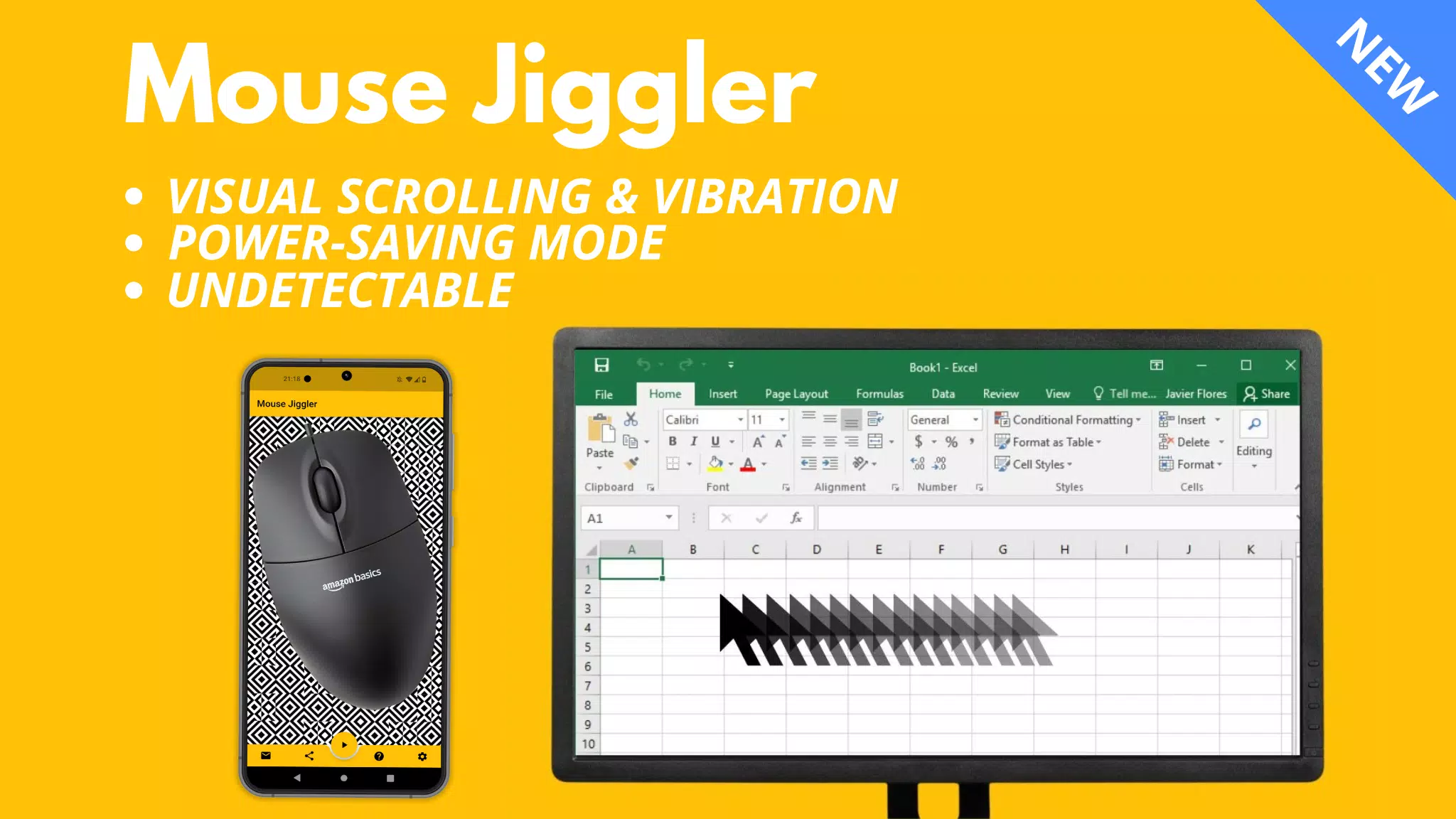


Keep your computer active during remote work with our smart mouse movement solution :)
Prevent your computer from locking with Mouse Jiggler!
Description:
This Windows and Mac OS compatible application keeps your computer screen active by moving your mouse cursor periodically in small increments.
⚠️ Compatibility:
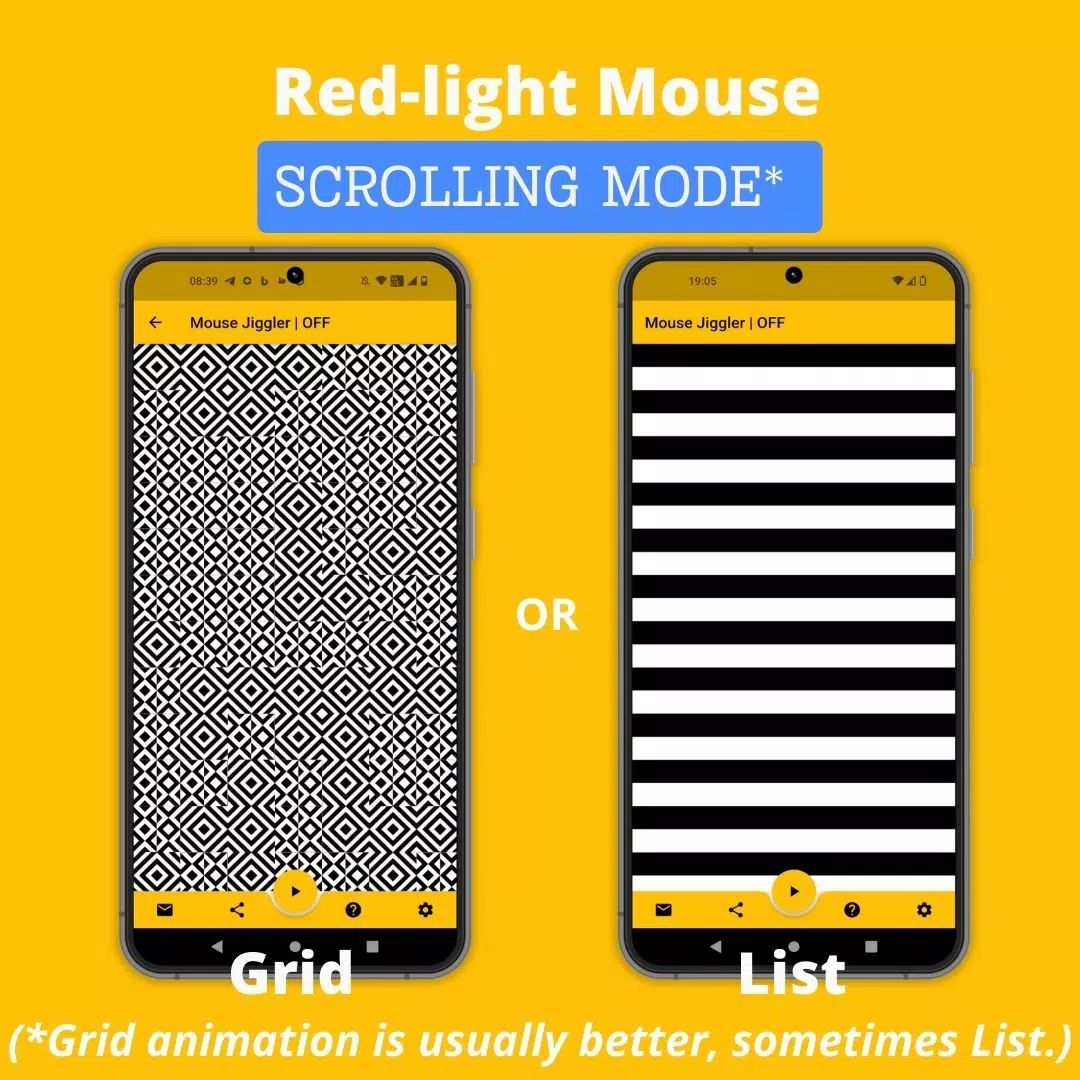
Mouse Jiggler works best with most mice using a red light.
However, the application may be less effective with mice that use invisible light.
This isn't a software issue but relates to mouse sensor sensitivity and your phone's maximum brightness and vibration capabilities.
If you experience issues, try using a red-light mouse instead. You can also check out my new "Bluetooth Mouse Jiggler" app (no mouse required):
https://play.google.com/store/apps/details?id=be.mm.mousejiggler2
Main Features:
Scrolling Mode: For red-light mice, the application scrolls an image at regular intervals to move your cursor.
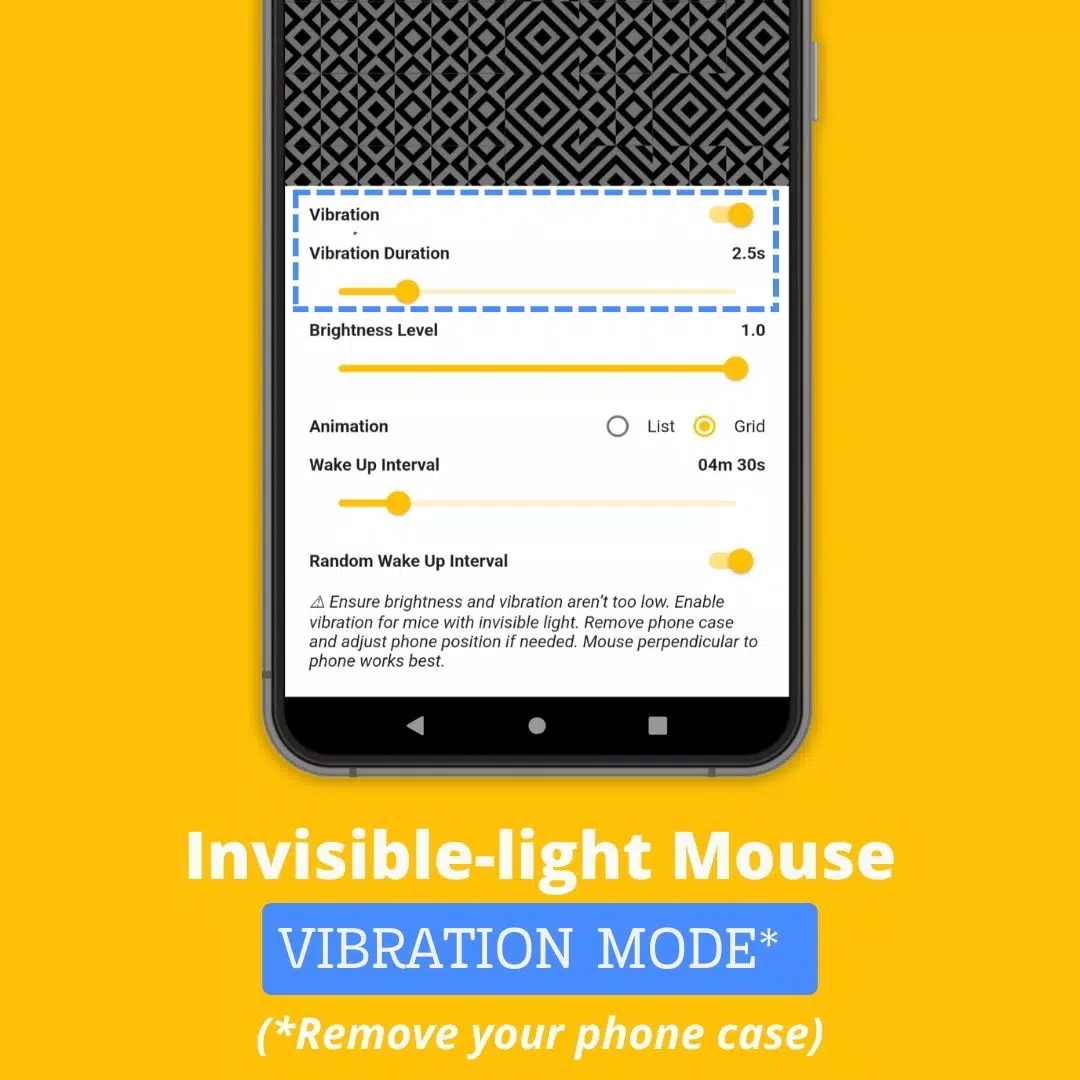
Vibration Mode: For invisible-light mice, the application vibrates your phone at set intervals to move your cursor.
How to Use Mouse Jiggler
1. Identify your mouse type: does it use red or invisible light?
2. For invisible-light mice, enable "Vibration" mode in the app settings. Remove your phone case for stronger vibrations.
3. Position your mouse on your smartphone.
4. Start scrolling or vibrating by tapping the ► icon
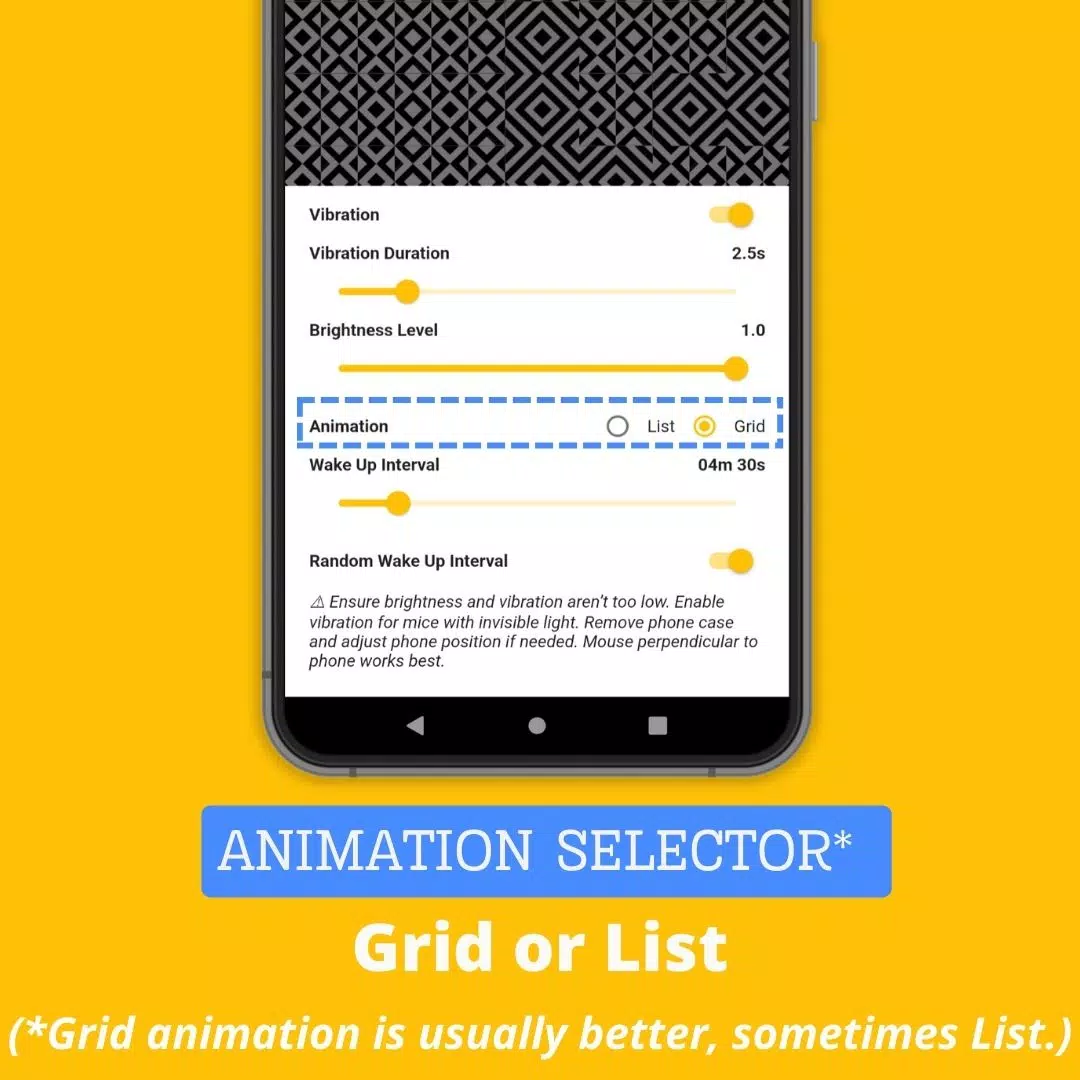
Advanced Settings:
* Vibration: Toggle vibration mode on or off.
* Vibration Duration: Set how long vibrations last (avoid setting too low or the app won't work properly).
* Wake Up Interval: Adjust the delay between scrolls or vibrations.
* Brightness Level: Set maximum brightness when the app activates (avoid reducing too much or the app won't function).
* Random Wake Up Interval: Enable random delays between scrolls or vibrations. The delay ranges from 0 to your "Wake Up Interval" setting. This feature helps prevent mouse jiggler detection.
Why Choose Mouse Jiggler Mobile App?
While other screen lock prevention solutions exist, Mouse Jiggler Mobile App offers unique benefits:
* Convenience: Unlike physical jiggling devices or dongles, our app requires no extra hardware - just your smartphone and existing mouse.
* Undetectability: As a mobile application, Mouse Jiggler leaves no digital footprint that IT departments might detect, unlike software programs or USB dongles. This makes it safer for company laptops.
* Cost-effective: Mouse Jiggler Mobile App is free, offering an affordable alternative to jiggling platforms or dongles that can cost up to $30.
Website: https://mousejiggler.lol/
-
 Sonic Racing: CrossWorlds Characters and Tracks Revealed for Upcoming Closed Network Test
-
 Marvel Rivals Season 1 Release Date Revealed
-
 Honkai: Star Rail Update Unveils Penacony Conclusion
-
 Announcing Path of Exile 2: Guide to Sisters of Garukhan Expansion
-
 RAID Shadow Legends: Mythical Champions Tier List Revealed
-
 Best Model Kits for Adults in 2025: Ultimate Guide