


| App Name | MuniMobile |
| Developer | SFMTA |
| Category | Tools |
| Size | 19.00M |
| Latest Version | 3.20.6986 |
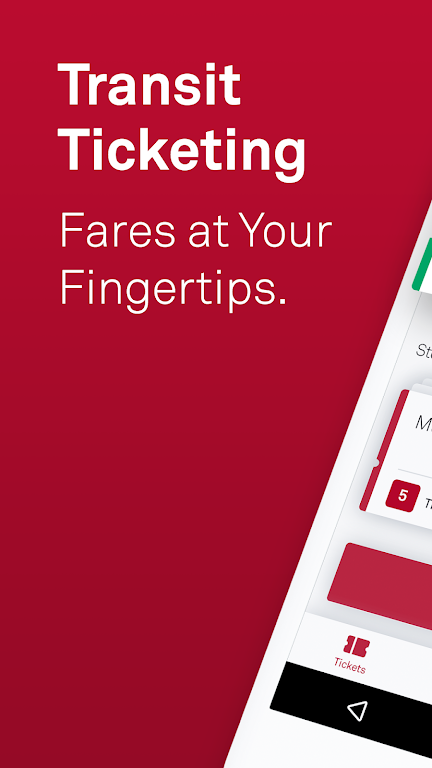
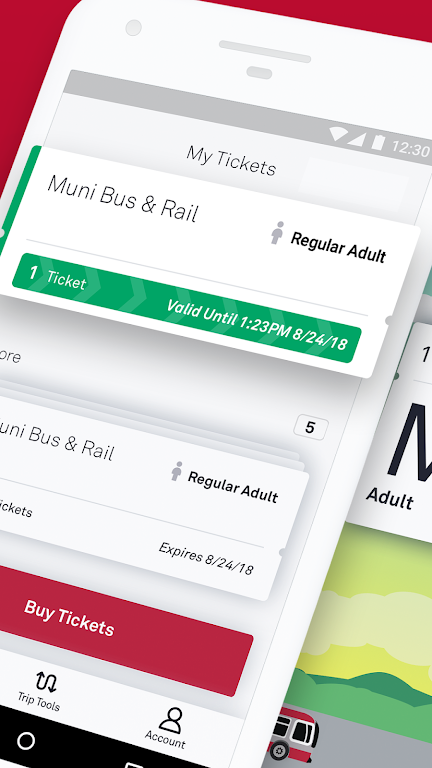
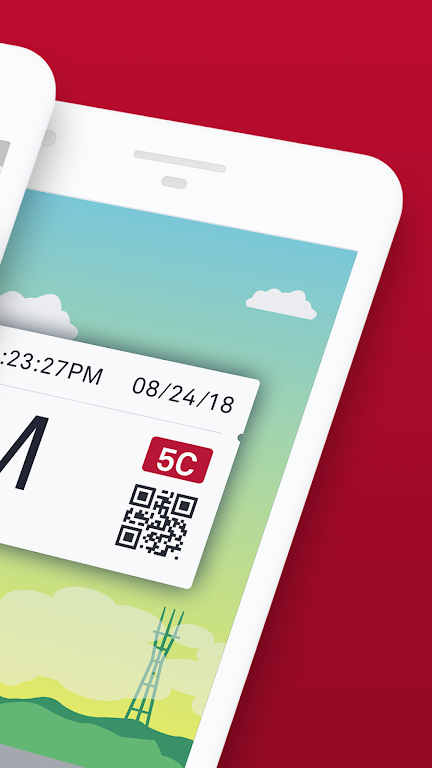
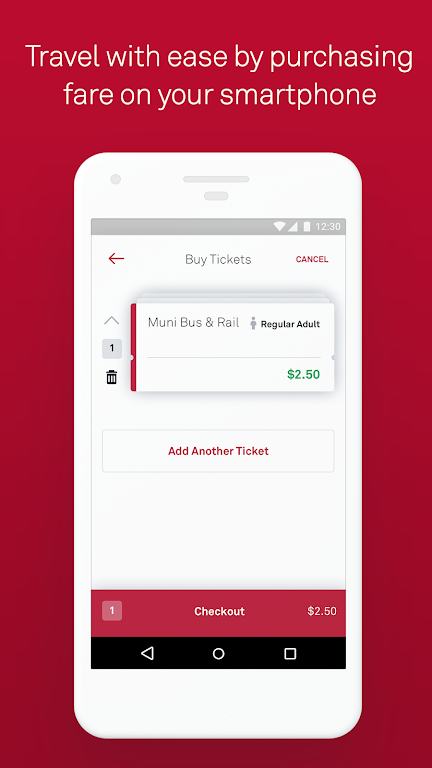


MuniMobile, the official transit app from the San Francisco Municipal Transportation Agency (SFMTA), simplifies your journey across the city. This all-in-one app provides mobile ticketing, real-time arrival predictions, and smarter trip planning. Purchase tickets with your debit/credit card, PayPal, or Apple Pay, then activate them seamlessly before boarding. It's the ultimate tool for hassle-free travel, eliminating the need for cash or paper tickets.
MuniMobile Key Features:
> Convenience: Skip paper fares and spare change—buy and use fares instantly right from your phone.
> Payment Options: Purchase fares using a debit/credit card, PayPal, or Google Pay.
> Multiple Tickets: Store and manage several tickets on your device for future trips.
> Group Travel: Easily buy multiple fares for traveling with a group.
> Secure System: Register your payment details in a secure, protected environment for peace of mind.
Frequently Asked Questions:
> Do I need an Internet connection to purchase tickets?
- Yes, an active Internet connection is required to buy tickets, but you can activate and use purchased tickets offline.
> What if my phone battery dies?
- Plan ahead and keep your device charged to ensure you always have a valid fare available.
> Can I transfer my tickets to a new phone?
- Yes. Simply create an account before buying tickets to transfer any unused fares to a new device. Only unused tickets are transferable.
How to Use the MuniMobile App:
Download the App: Install MuniMobile from the App Store or Google Play Store.
Create an Account: Sign up using your email address or mobile number.
Choose Rider Type: Select Adult, Senior/Disabled/Medicare, Youth, or SF Access.
Select Fare: Pick from Single Trip Fare for Muni Bus & Rail, Cable Car, or Passports.
Purchase Tickets: Buy your desired quantity and complete checkout with your preferred payment method.
Activate Before Boarding: Always activate your ticket before boarding the vehicle or entering fare gates.
Use Offline: You can activate and use your tickets without an Internet connection.
Manage Tickets: Store and organize multiple tickets on your phone for later use.
Set Up Auto-Refresh: Enable app refresh for real-time service updates.
Get Help: Visit the MuniMobile FAQ page or check the app's help section for support.
-
 Sonic Racing: CrossWorlds Characters and Tracks Revealed for Upcoming Closed Network Test
-
 Marvel Rivals Season 1 Release Date Revealed
-
 RAID Shadow Legends: Mythical Champions Tier List Revealed
-
 Announcing Path of Exile 2: Guide to Sisters of Garukhan Expansion
-
 Honkai: Star Rail Update Unveils Penacony Conclusion
-
 Best Model Kits for Adults in 2025: Ultimate Guide