


| App Name | NOVA Video Player |
| Developer | Courville Software |
| Category | Tools |
| Size | 32.70M |
| Latest Version | 6.3.2-20240925.1924 |
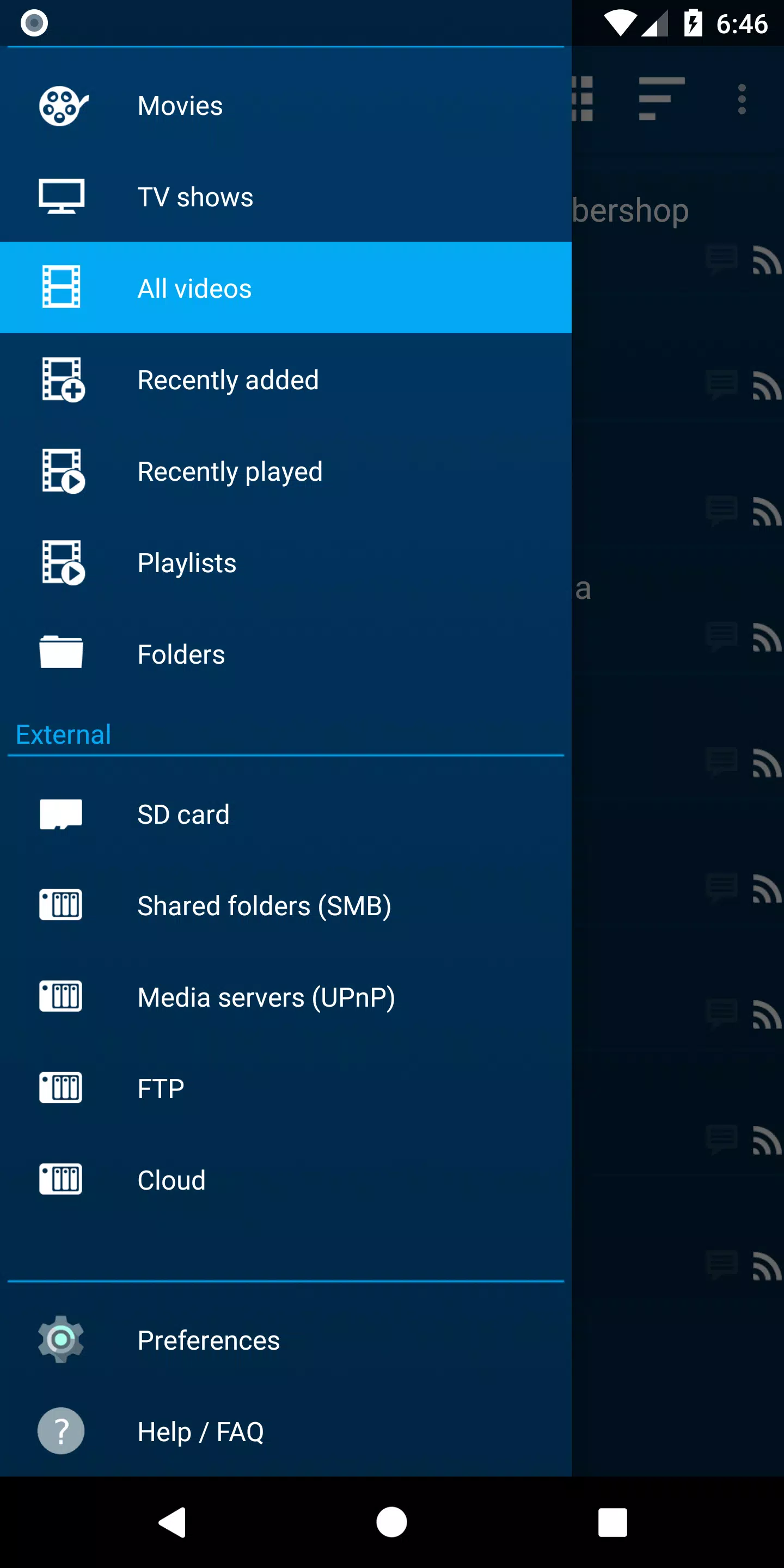
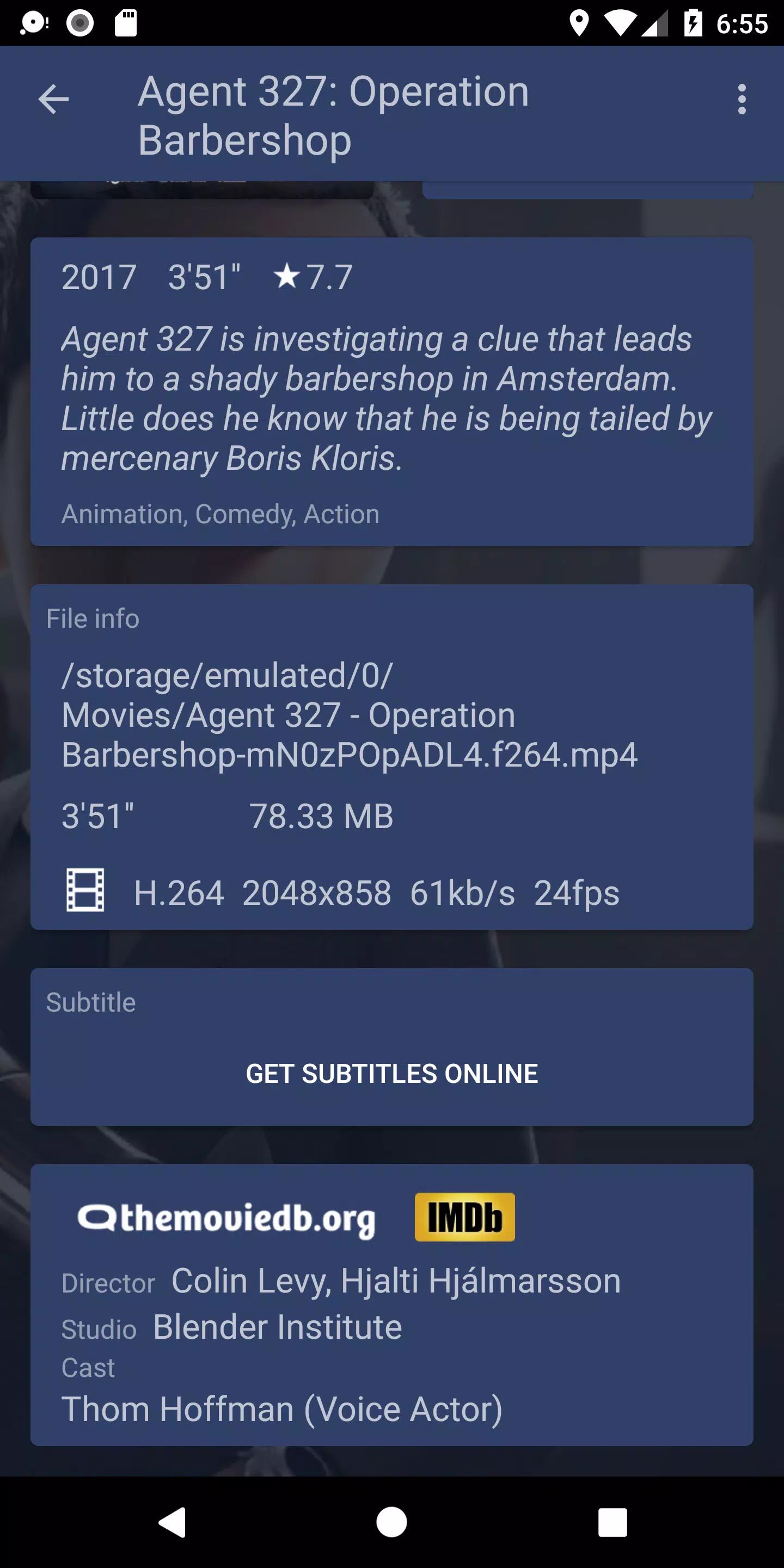
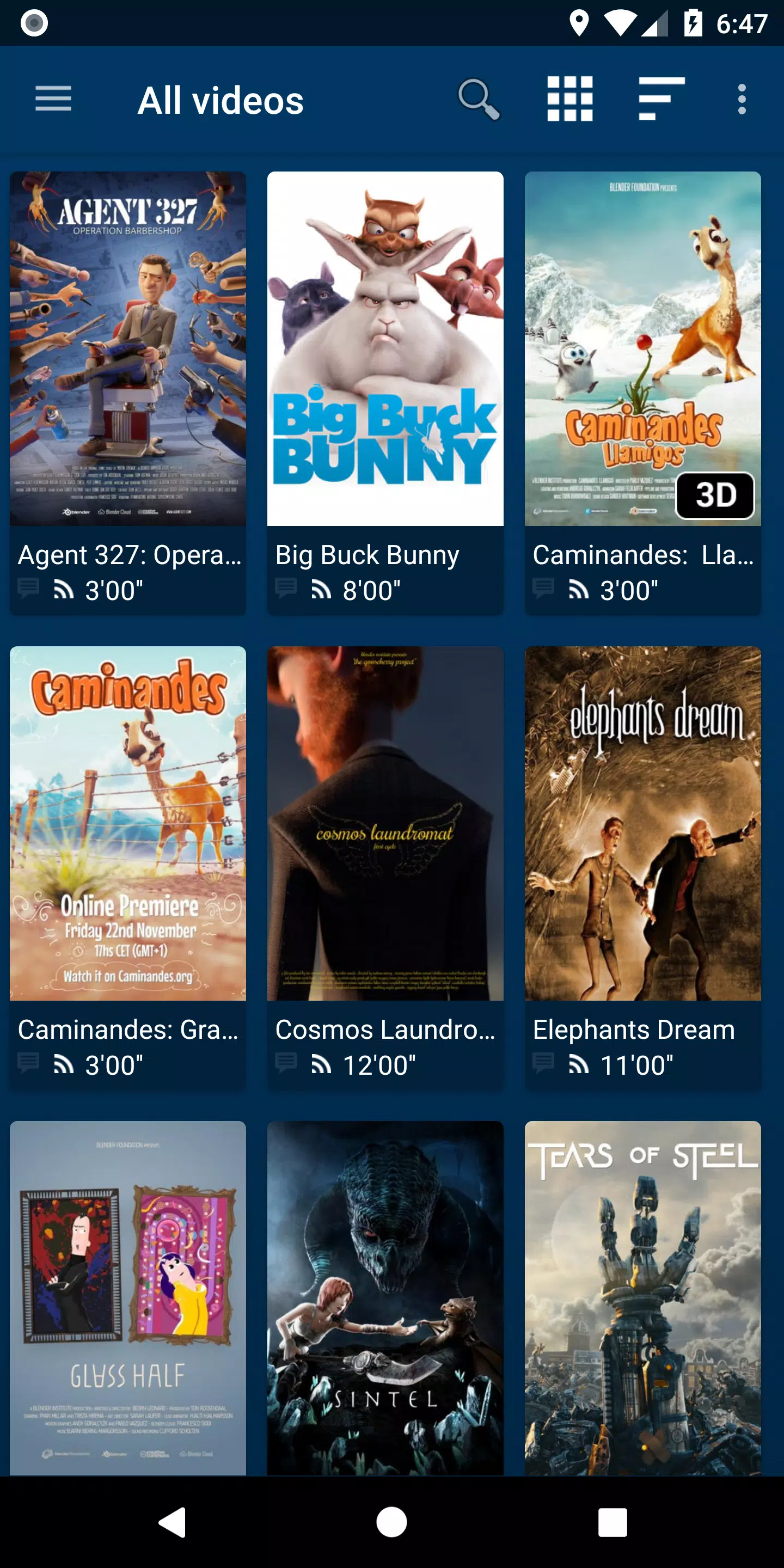


NOVA Video Player is a flexible, open-source media player built for Android phones, tablets, and TVs. It plays a broad variety of video formats and offers hardware-accelerated decoding, network share access, and subtitle compatibility. What makes NOVA unique is its seamless integration with diverse media sources—from local storage to network servers like SMB, FTP, and WebDAV. It also includes a TV-optimized interface with AC3/DTS pass-through and 3D playback. One of its standout capabilities is automatically fetching movie and TV show details, along with posters and backdrops, to enrich your media library browsing.
NOVA Video Player Features:
⭐ Universal playback: Play videos from multiple sources—your computer, server, NAS, or USB storage—and unify them into a single media library. Descriptions, posters, and backdrops for movies and shows are downloaded automatically.
⭐ Optimized performance: Enjoy hardware-accelerated decoding across most devices and formats. Supports multiple audio tracks, subtitles, and a wide variety of file and subtitle formats.
⭐ Designed for TV: Features a “leanback” UI for Android TV, AC3/DTS pass-through, 3D support, Audio Boost, and Night Mode for smart volume control.
⭐ Personalized browsing: Instantly access recently added or played videos. Browse movies by title, genre, year, duration, or rating; explore TV shows by season; or navigate folders directly.
Helpful Tips:
⭐ Use the automatic metadata feature to quickly get movie descriptions and artwork.
⭐ Try different audio tracks and subtitle settings for a better viewing experience.
⭐ Make the most of TV-focused options like Audio Boost and Night Mode for immersive playback.
Getting Started with NOVA Video Player
Download and Install: Get NOVA Video Player from the Google Play Store or other app stores, then install it on your Android device.
Launch the App: Open NOVA—on first use, it will scan and display videos from your local storage.
Add Media Sources: In settings, add network shares, NAS, or online sources using SMB, FTP, or WebDAV.
Adjust Settings: Customize video output, subtitle style, and playback options to suit your preferences.
Start Watching: Select any video and use playback controls to manage your experience.
Use Extra Features: Activate Audio Boost for louder sound or Night Mode to balance volume levels.
Subtitles: Search and download subtitles directly inside the app when needed.
Solve Issues: Check the FAQ or community forums if you run into problems.
Stay Updated: Update the app regularly for new features and performance enhancements.
-
 Sonic Racing: CrossWorlds Characters and Tracks Revealed for Upcoming Closed Network Test
-
 Marvel Rivals Season 1 Release Date Revealed
-
 RAID Shadow Legends: Mythical Champions Tier List Revealed
-
 Honkai: Star Rail Update Unveils Penacony Conclusion
-
 Announcing Path of Exile 2: Guide to Sisters of Garukhan Expansion
-
 Best Model Kits for Adults in 2025: Ultimate Guide