


| App Name | Qustodio |
| Developer | Qustodio LLC |
| Category | Parenting |
| Size | 40.2 MB |
| Latest Version | 182.25.2 |
| Available on |
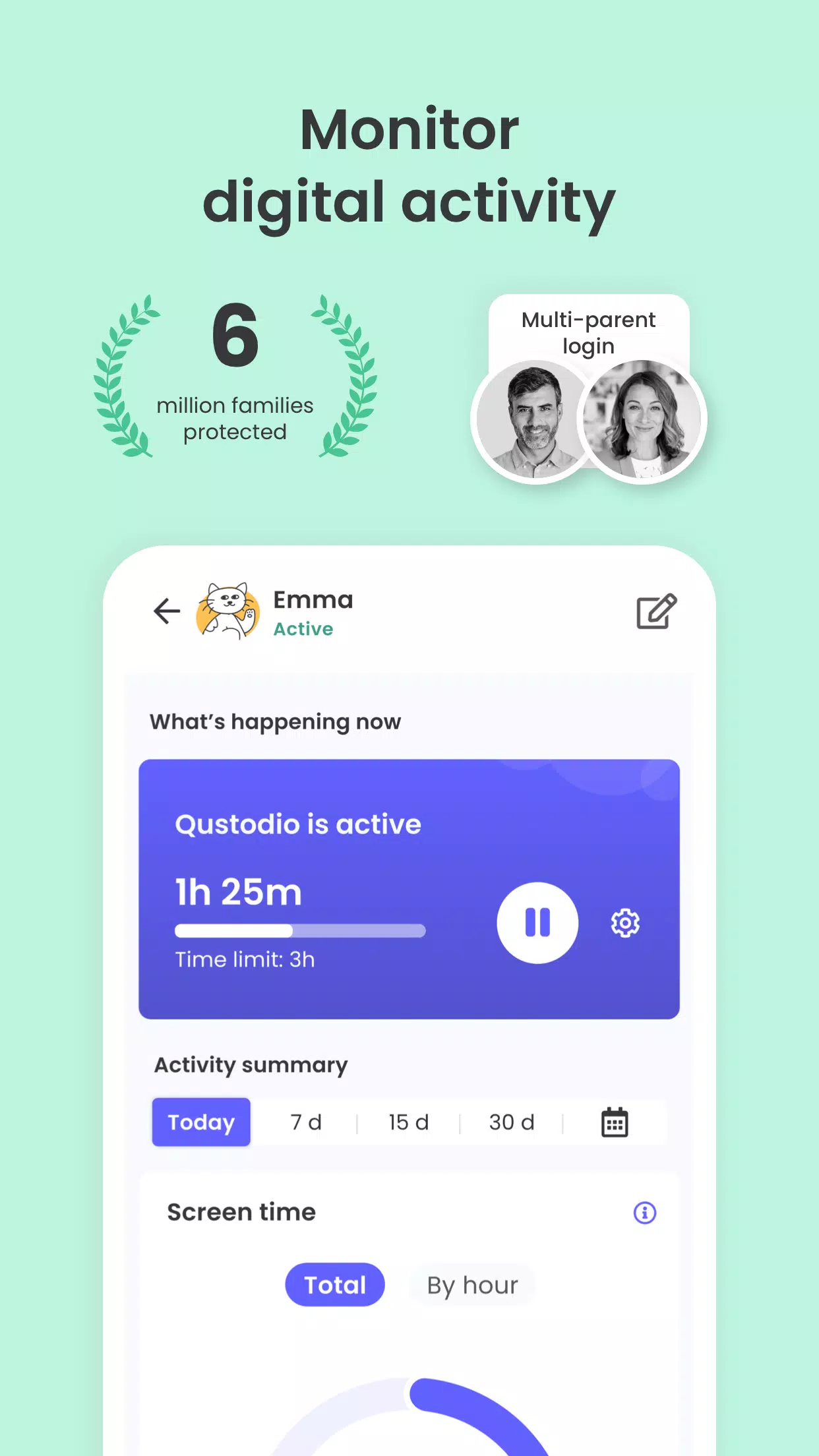
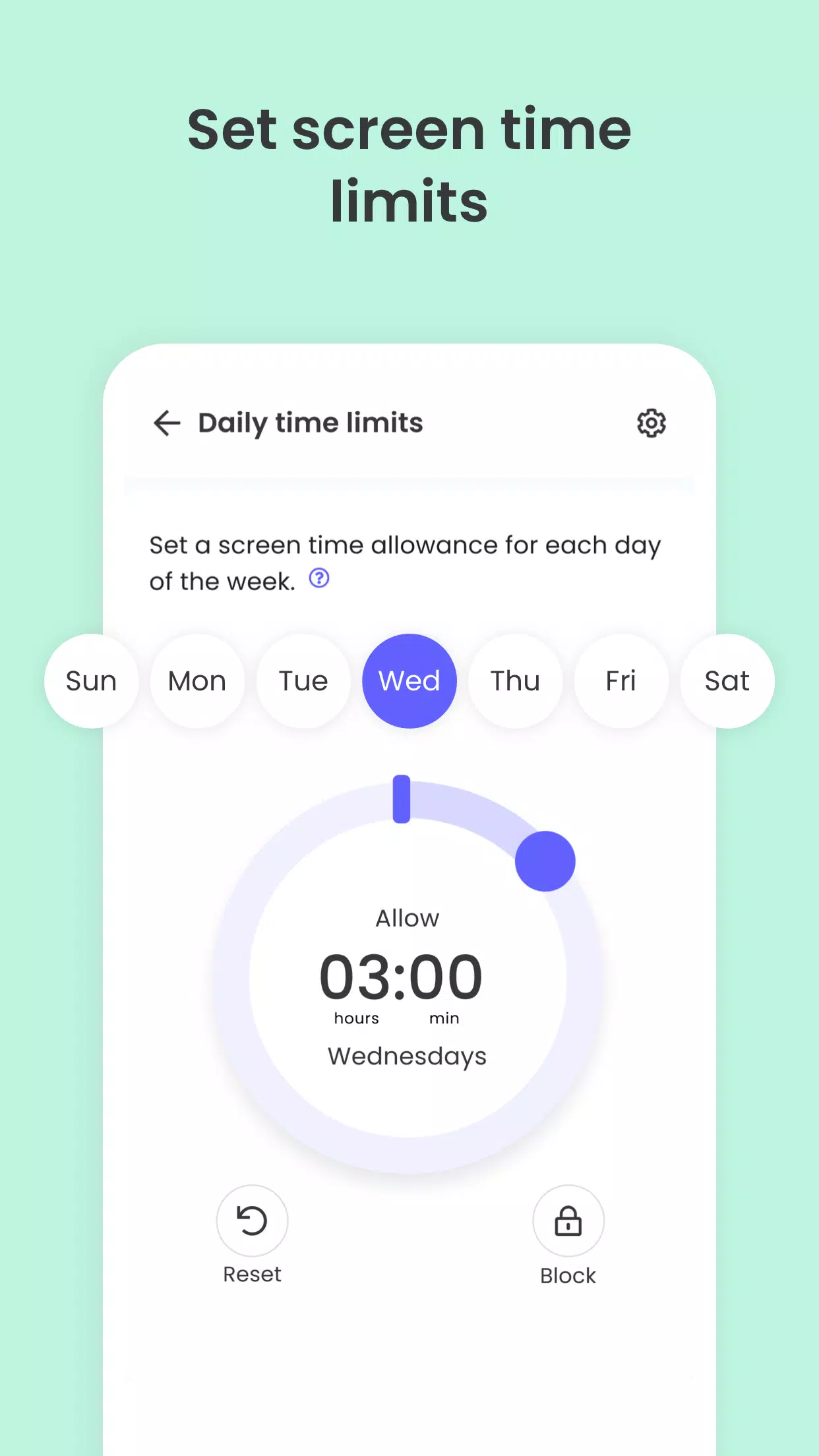
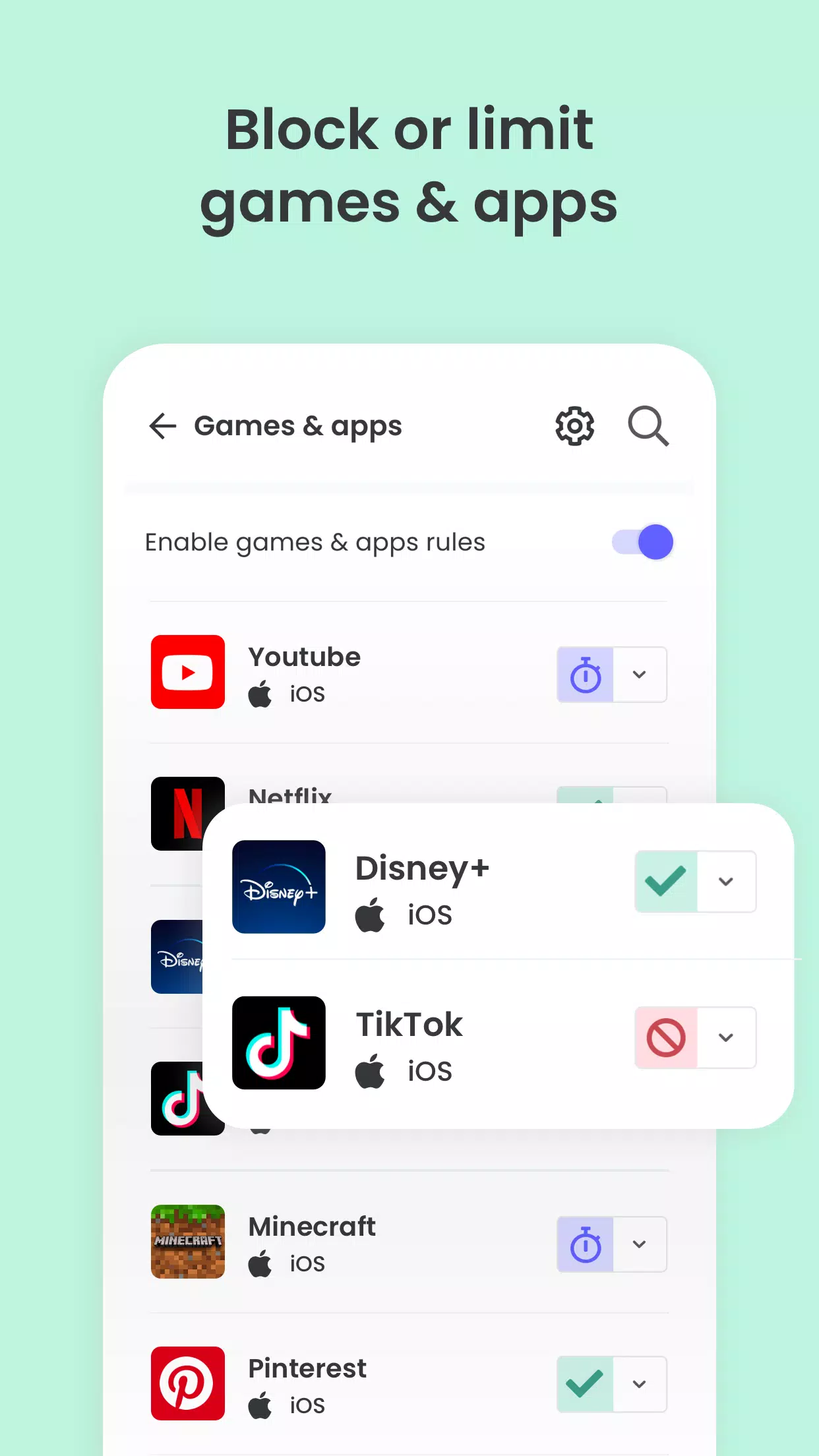
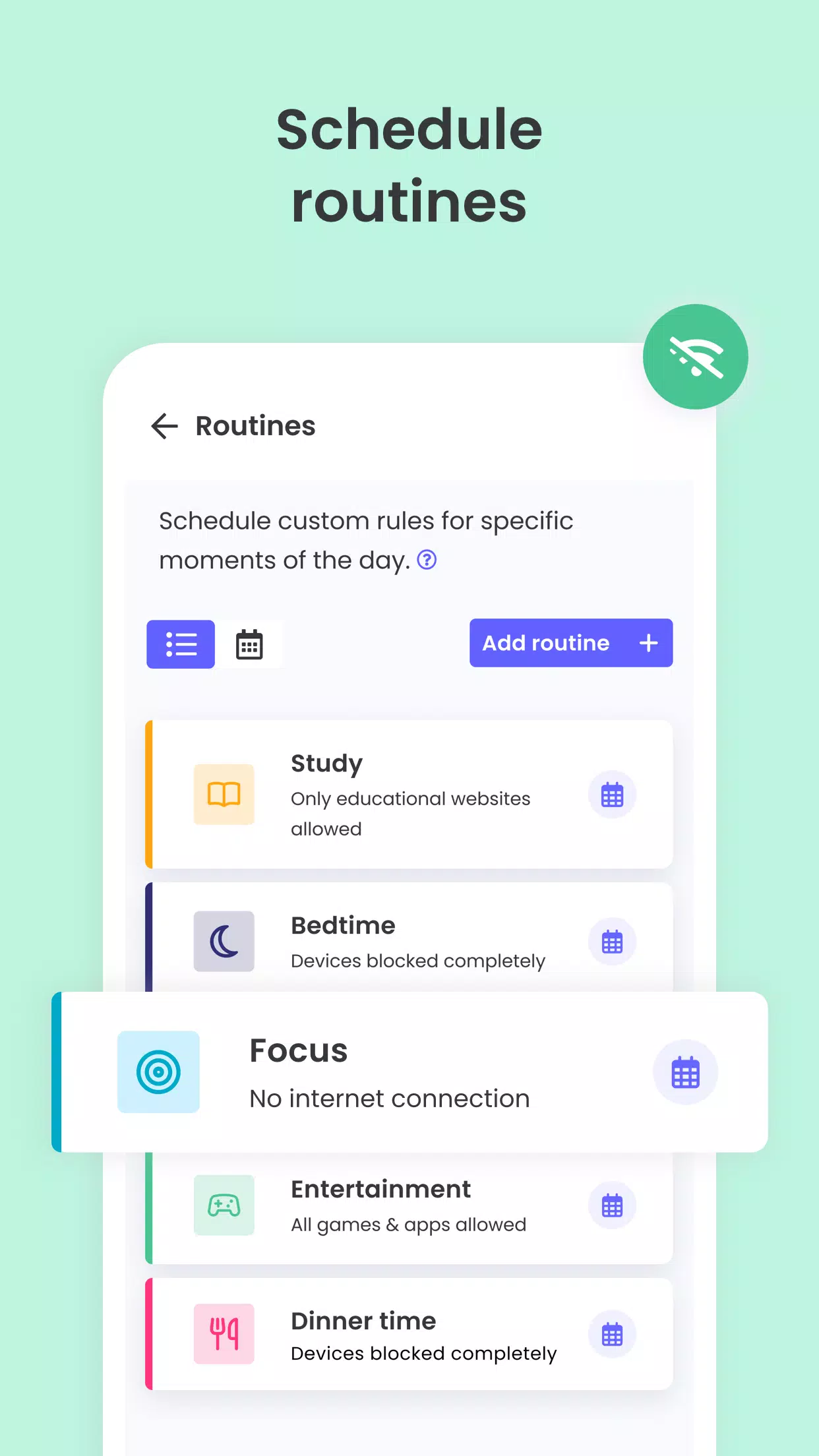


Monitor screen time, block apps & websites, and track locations seamlessly.
Recognized as PC Mag’s Editors’ Choice, Qustodio Parental Control simplifies parenting with features like daily screen time limits, app monitoring (covering social media and YouTube), content filtering, real-time location tracking, family mode, and adult content blocking.
- Screen Time Control: Automatically locks devices after reaching preset usage limits
- Block, Monitor & Parental Filter: Manage and restrict kids’ internet access, including sensitive or adult content
- Family Locator & GPS Family Tracker: Pinpoints your child’s phone location via GPS
Begin by installing the Qustodio Parental Control App on your device. Then set up the Kids App Qustodio on your child’s devices. Together, these apps let you effortlessly oversee screen time across linked phones, tablets, or computers—compatible with Android, iOS, and other major platforms.
Protect your child’s online safety
✓ Filter websites (block games, porn, gambling, and unwanted content)
✓ Get alerts about browsing activity and blocked sites
✓ Restrict games & apps
✓ Enforce safe search settings
Nurture healthy habits
✓ Define daily screen time allowances
✓ Set schedules for restricted access
✓ Instantly pause internet access
✓ Limit game & app usage
Gain full visibility
✓ Access 30-day activity reports
✓ Receive notifications for new app downloads
✓ Monitor YouTube usage
✓ Track calls and text messages
✓ Co-parenting support: Add another guardian to supervise your child
✓ Install an emergency panic button on your child’s device
✓ Compatible with iOS, Windows, Mac, Android, and Kindle devices
Locate your family
✓ Real-time GPS tracking
✓ Find misplaced phones
✓ Track kids on the go
✓ Share live locations
✓ Save frequently visited places
Opt for Qustodio’s free plan or upgrade to premium for unrestricted access to all features.
How to protect, block, & monitor screen time with Qustodio Parental Control Apps:
1 – Download Qustodio Parental Control App on your primary device, then sign up or log in
2 – Install Kids App Qustodio on devices you wish to supervise
3 – Follow the quick setup guide
4 – Inappropriate sites will auto-block post-setup
5 – Monitor activity via the parent app or through Qustodio’s web dashboard (https://family.qustodio.com)
Our FAQ:
• Does Qustodio Parental Control family screen time blocker app support Android 8 (Oreo): Yes.
• Does Qustodio family screen time blocker app work on other platforms besides Android? It supports Windows, Mac, iOS, Kindle, and Android.
• What languages do you support? Available in English, Spanish, French, Italian, Portuguese, German, Japanese, and Chinese.
For assistance, visit: https://www.qustodio.com/help or email [email protected]
Notes:
This app uses the Device Administrator permission. Prevents unauthorized uninstallation of Qustodio Family Screen Time.
Accessibility services enhance functionality, helping users with behavioral needs manage screen time, apps, and web access responsibly.
Troubleshooting notes:
Huawei devices owners: Disable battery-saving mode for Qustodio to function properly.
What's New in the Latest Version 182.25.2
Last updated on Oct 25, 2024
Hi Parents!
We've refined performance and resolved minor bugs for a smoother Qustodio experience. Enable auto-updates in the Play Store to keep both parent and child apps current.
The Qustodio Team
-
 Sonic Racing: CrossWorlds Characters and Tracks Revealed for Upcoming Closed Network Test
-
 Marvel Rivals Season 1 Release Date Revealed
-
 RAID Shadow Legends: Mythical Champions Tier List Revealed
-
 Honkai: Star Rail Update Unveils Penacony Conclusion
-
 Announcing Path of Exile 2: Guide to Sisters of Garukhan Expansion
-
 Best Model Kits for Adults in 2025: Ultimate Guide