


| App Name | TC Games-PC plays mobile games |
| Developer | Sigma Resources & Technologies, Inc. |
| Category | Tools |
| Size | 6.80M |
| Latest Version | 3.0.40.14093 |
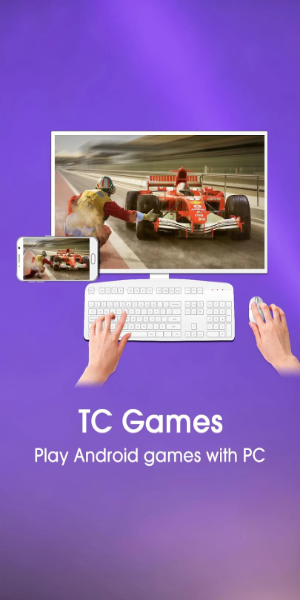
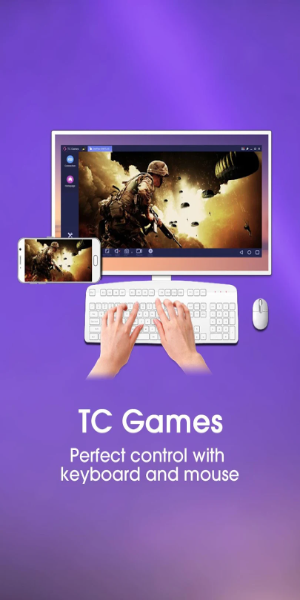
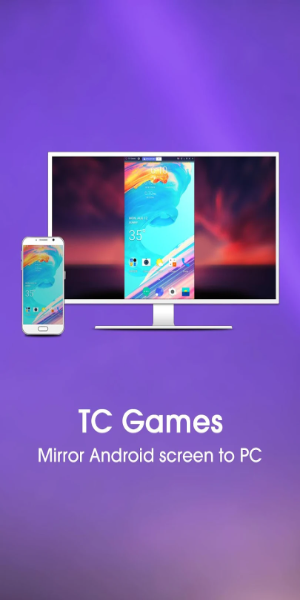


TC Games allows you to play mobile games on your PC by seamlessly mirroring your Android screen to your computer. Enjoy your favorite mobile titles using a keyboard and mouse, with low CPU usage and stable performance for smooth gaming. Additional features include screen recording and customizable key mapping, giving you full control over your gameplay.
TC Games Key Features
⭐ **Android Screen Mirroring**: Mirror your Android device’s screen to your PC, allowing you to play mobile games on a larger display.
⭐ **Low CPU Usage & Stable Performance**: Experience smooth, lag-free gaming thanks to efficient CPU usage and reliable performance.
⭐ **Customizable Key Mapping**: Tailor your keyboard and mouse controls to match your preferred gaming style.
⭐ **Screen Recording & Screenshots**: Capture your gameplay highlights with screen recording or take instant screenshots to share with friends.
User Tips
⭐ Customize your key mapping to optimize game controls and improve your performance in different games.
⭐ Use the built-in screen recording feature to save and share your best gaming moments.
⭐ Enjoy a more immersive experience by mirroring your Android screen to your PC for larger and clearer visuals.
Design and User Experience
Design
TC Games offers a modern and user-friendly interface designed for easy navigation. The clean layout and well-organized menus help you quickly access features while providing a visually pleasing experience. With a balance of appealing visuals and practical functionality, the design is both attractive and intuitive.
User Experience
The user experience is built with gamers in mind, delivering responsive and low-latency gameplay. Mirroring your Android screen to your PC is simple and fast, requiring minimal setup. High stability and customizable keyboard controls give you full command over your gaming sessions, making the experience more immersive and efficient.
What's New
1. Improved button loading logic to prevent key coordinate misplacement caused by incorrect button orientation.
2. Enhanced display logic for the sidebar during full-screen mode.
3. Fixed known issues related to button unresponsiveness.
4. Resolved other known bugs for better stability.
-
 Sonic Racing: CrossWorlds Characters and Tracks Revealed for Upcoming Closed Network Test
-
 Marvel Rivals Season 1 Release Date Revealed
-
 RAID Shadow Legends: Mythical Champions Tier List Revealed
-
 Announcing Path of Exile 2: Guide to Sisters of Garukhan Expansion
-
 Honkai: Star Rail Update Unveils Penacony Conclusion
-
 Best Model Kits for Adults in 2025: Ultimate Guide