


| App Name | Venabox Pro: Update On Time |
| Developer | Vodcy |
| Category | Tools |
| Size | 29.80M |
| Latest Version | 1.1.3 |
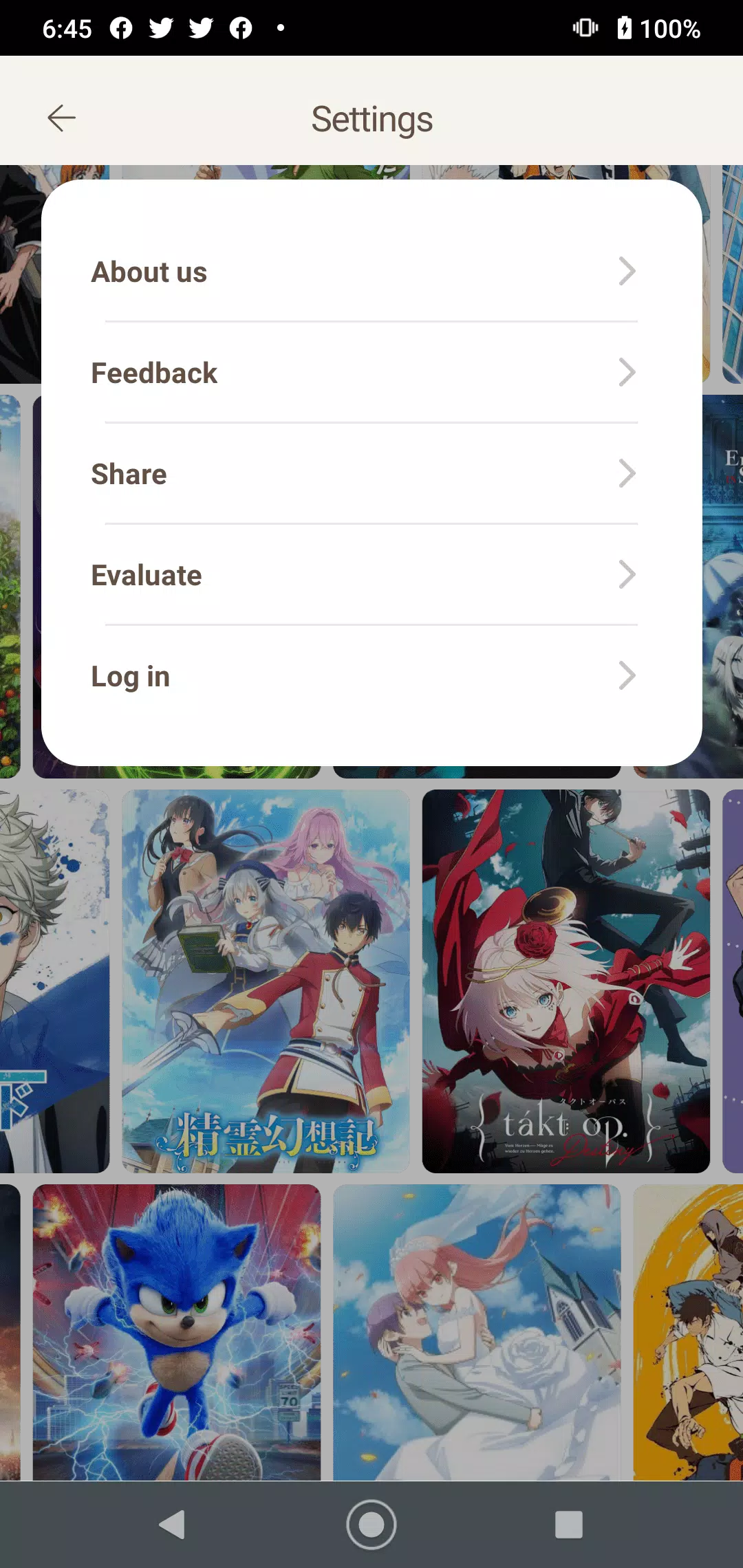



Venabox Pro: Update On Time is your go-to daily journaling app, crafted to help you beautifully capture life's moments. Featuring an intuitive interface and rich customization tools, documenting your days has never been simpler. The app includes a theme editor, statistics dashboard, and sharing functions, ensuring your memories are not just saved but also styled with a personal flair. Keep track of your thoughts and emotions with Venabox Pro, and make every day meaningful.
Key Features of Venabox Pro: Update On Time
- Personalized Experience: Customize your diary cards with photos and colors to reflect your unique style. This personalization adds a special touch to every journal entry.
- Unlimited Entries: Write as many diary entries as you like each day. Never miss a moment or emotion with unrestricted journaling.
- Photo and Text Support: Combine images and text in your entries for a richer storytelling experience. Express your memories more vividly.
- Simple and Intuitive Design: Navigate the app with ease thanks to its clean and user-friendly layout. Enjoy a smooth and delightful journaling process.
Frequently Asked Questions
- Is Venabox Pro available for both Android and iOS devices?
Yes, Venabox Pro works on both Android and iOS platforms, offering wide accessibility.
- Can I export or share my diary entries from Venabox Pro?
Yes, you can export or share your entries easily via email or social media directly from the app.
- Is there a password or lock feature to keep my diary entries private?
Yes, Venabox Pro provides password protection to secure your journal and maintain your privacy.
How to Use Venabox Pro
Download and Install: Get Venabox Pro from your device's app store and complete the installation.
Create an Account: Launch the app and register an account to sync your journal across devices.
Start Journaling: Create your first card and write a text entry for the day.
Customize Your Card: Personalize your card using the theme editor—add photos, colors, and stickers.
Track Your Journey: Review your journaling habits and progress on the statistics page.
Share Your Experiences: Use the sharing feature to send your decorated cards to friends and family.
Stay Updated: Keep the app up to date to access the latest features and enhancements.
-
 Sonic Racing: CrossWorlds Characters and Tracks Revealed for Upcoming Closed Network Test
-
 Marvel Rivals Season 1 Release Date Revealed
-
 Announcing Path of Exile 2: Guide to Sisters of Garukhan Expansion
-
 RAID Shadow Legends: Mythical Champions Tier List Revealed
-
 Honkai: Star Rail Update Unveils Penacony Conclusion
-
 Best Model Kits for Adults in 2025: Ultimate Guide