

Fix DirectX 12 Errors in FF7 Rebirth on PC
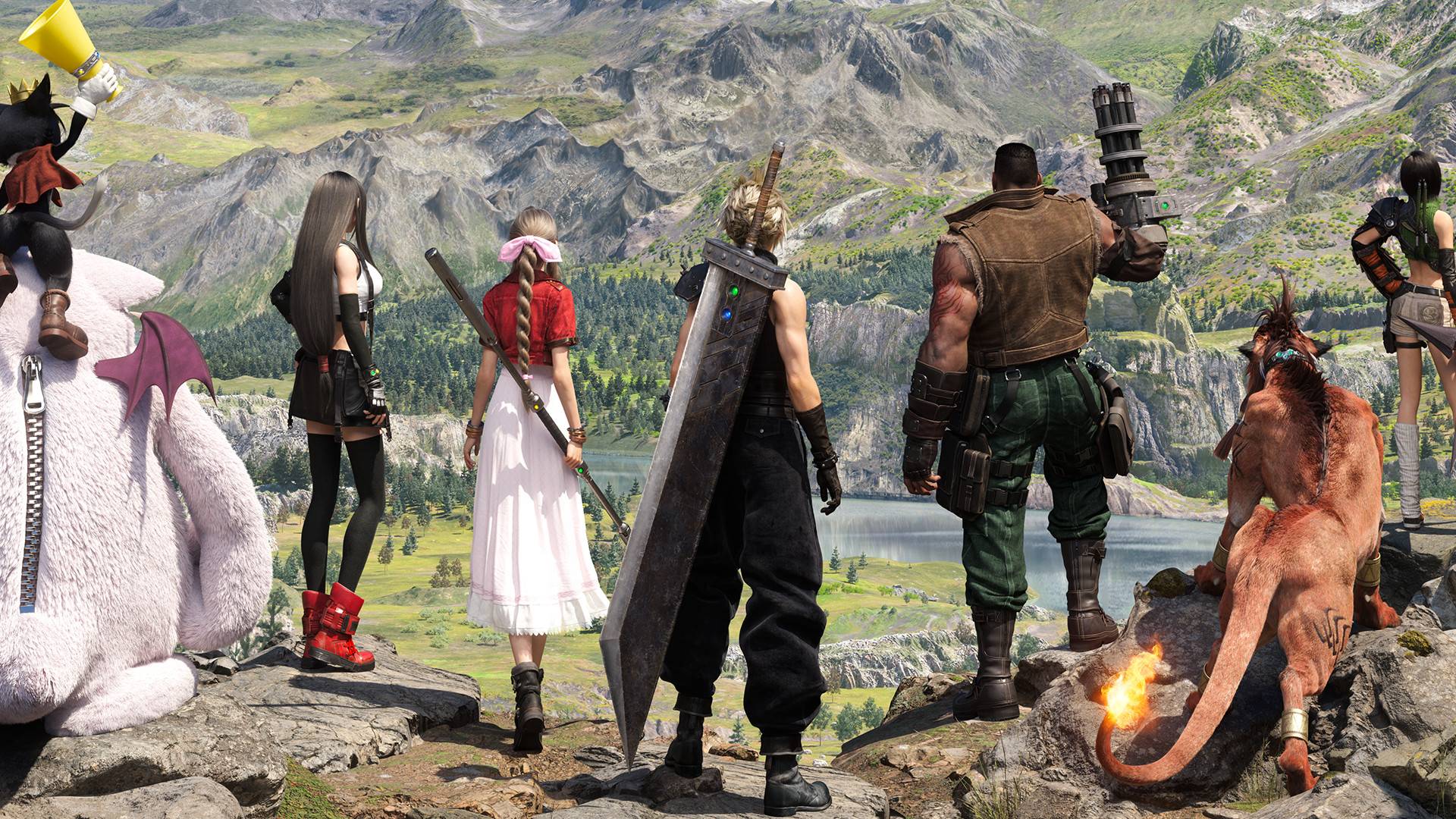
There's nothing more frustrating than eagerly downloading a game like *Final Fantasy 7 Rebirth* only to encounter issues that prevent you from playing. If you're facing DirectX 12 (DX12) errors, don't worry—we've got you covered with a step-by-step guide to get you back into the world of Midgar.
What Are DirectX 12 Errors in Final Fantasy 7 Rebirth?
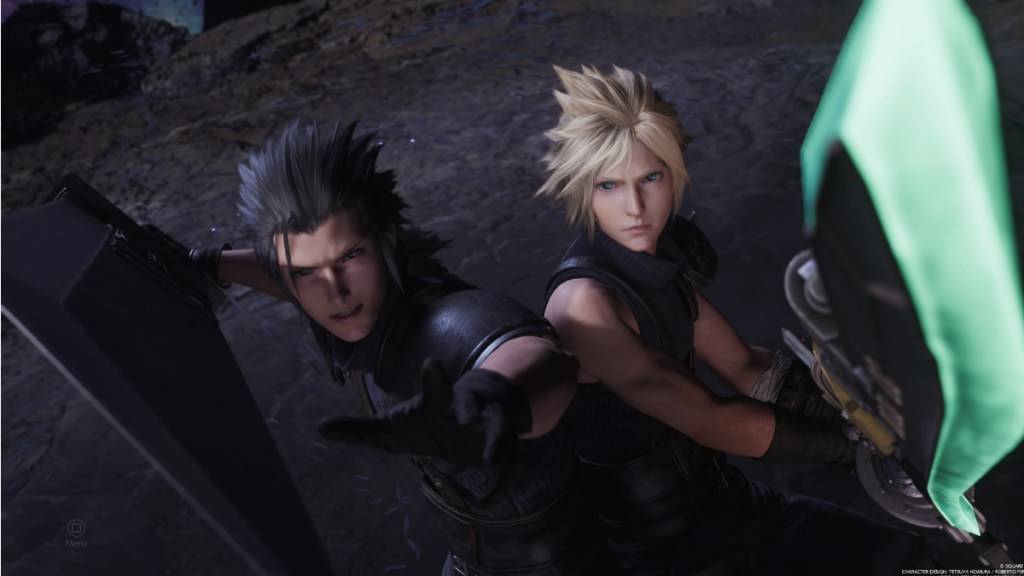
*Final Fantasy 7 Rebirth*, the much-anticipated sequel to *Final Fantasy VII Remake*, has captivated players since its release nearly a year ago. Despite the game's acclaim, new players are encountering DirectX 12 errors that prevent them from even launching the game. These errors are primarily linked to the version of Windows on your PC. To enjoy *Final Fantasy 7 Rebirth*, you need DirectX 12, which is only supported on Windows 10 and 11.
Related: Final Fantasy VII Rebirth’s Briana White Forges Community By Wearing Her Heart on Her Sleeve [Interview]
How To Fix DirectX 12 (DX12) Errors in Final Fantasy 7 Rebirth on PC
If you're running Windows 10 or 11 and still facing issues, you'll need to check if your DirectX is updated. Here’s how you can do it:
- Type “dxdiag” into the Search bar from Start.
- Click on “dxdiag”.
- Head to the System Information section to check which version of DirectX is installed.
Unfortunately, if you're using an older version of Windows, you might be out of luck. It's worth checking for any available updates, but if none are available, consider requesting a refund or exploring other games.
If you have DirectX 12 installed and the error persists, the problem might be with your graphics card. Many players have taken to Reddit to share their experiences, suggesting that the game's minimum requirements might be the culprit, rather than the Windows version itself.
To ensure your system meets the game's requirements, visit Square Enix’s official website. Here are the recommended GPUs for *Final Fantasy 7 Rebirth*:
- AMD Radeon™ RX 6600*
- Intel® Arc™ A580
- NVIDIA® GeForce® RTX 2060*
While upgrading your GPU can be a costly decision, especially after purchasing the game, it's necessary to meet the game's standards and ensure a smooth gaming experience. Square Enix sets these requirements to provide the best possible experience for players.
And that's how to fix DirectX 12 Errors (DX12) in *Final Fantasy 7 Rebirth* on PC. If you're looking for more tips, check out the best deck and strategy to defeat the Shadowblood Queen in this Square Enix title.
*Final Fantasy 7 Rebirth is available now on PlayStation and PC.*
-
 Astonishing Baseball ManagerBuild an All-Star Lineup in the simulation gm manager sports game! Tap to coach! AB24 is here! Astonishing Baseball (AB) delivers your daily fix of ad-free baseball management simulation. Step into the role of GM or head coach for a roster stacked wi
 -
 Premium League Fantasy GameThe most complete Fantasy Game - Come and play with us! Premium League is a fantasy sports game that lets you to choose the world's greatest stars on your team and score based on their performance in real games. You can create leagues with your frien
 -
 Tractor Farming Game: for kidsKids Tractor Simulator Game and Tractor Farming Game for Children in Little Farm AdventuresTractor Farming Game for Kids and Fun Farming Adventures for Young Players!Welcome to Tractor Farming Games for Kids, an engaging adventure crafted to spark im
 -
 Incredible Monster Hero GamesPlay Incredible Monster Games and Smash Superhero VillainsBecome a powerful Monster Hero to destroy all super villains, gangsters, and monstrous foes. Showcase your incredible superhero skills in Monster Fighting Games by smashing through the city. E
 -
 City Cop Chase AdventureJoin the highway patrol and pursue criminals in this thrilling police simulator.Prepare for high-speed thrills and intense action in this car chase adventure. Become a courageous officer on a mission to track down criminals and restore peace to the c
 -
 Virtual Mom Dad: Baby GamesUS Mom Car Simulator Game is the ultimate choice for parents and car game enthusiasts. Virtual Mom Dad: Baby Games Simulator Welcome to Spartans Gaming Zone's US Mom Car Games Simulator 3D 2023. This Mother Simulator keeps your little ones entertaine
-
 Sonic Racing: CrossWorlds Characters and Tracks Revealed for Upcoming Closed Network Test
-
 Marvel Rivals Season 1 Release Date Revealed
-
 Announcing Path of Exile 2: Guide to Sisters of Garukhan Expansion
-
 Honkai: Star Rail Update Unveils Penacony Conclusion
-
 RAID Shadow Legends: Mythical Champions Tier List Revealed