

How to Emulate Game Boy Games on Steam Deck
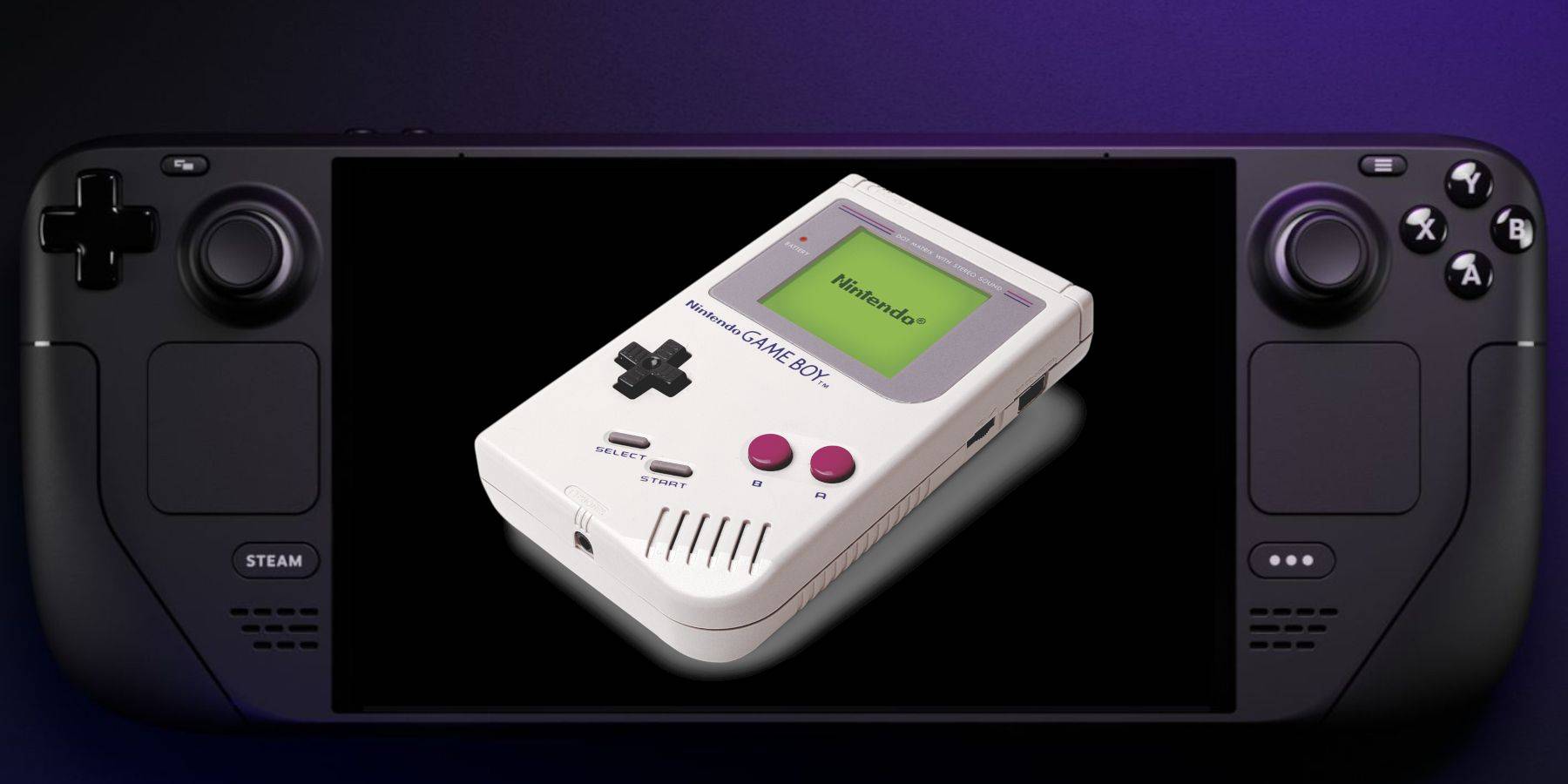
This guide details how to install EmuDeck and play Game Boy games on your Steam Deck, optimizing performance with Decky Loader and Power Tools. The Steam Deck, a powerful handheld, is highly customizable, making it ideal for retro gaming.
Before you begin, ensure you have: a fully charged Steam Deck, an A2 microSD card for games and emulators, legally obtained Game Boy ROMs, and a keyboard/mouse (wired or Bluetooth).
Pre-EmuDeck Setup:
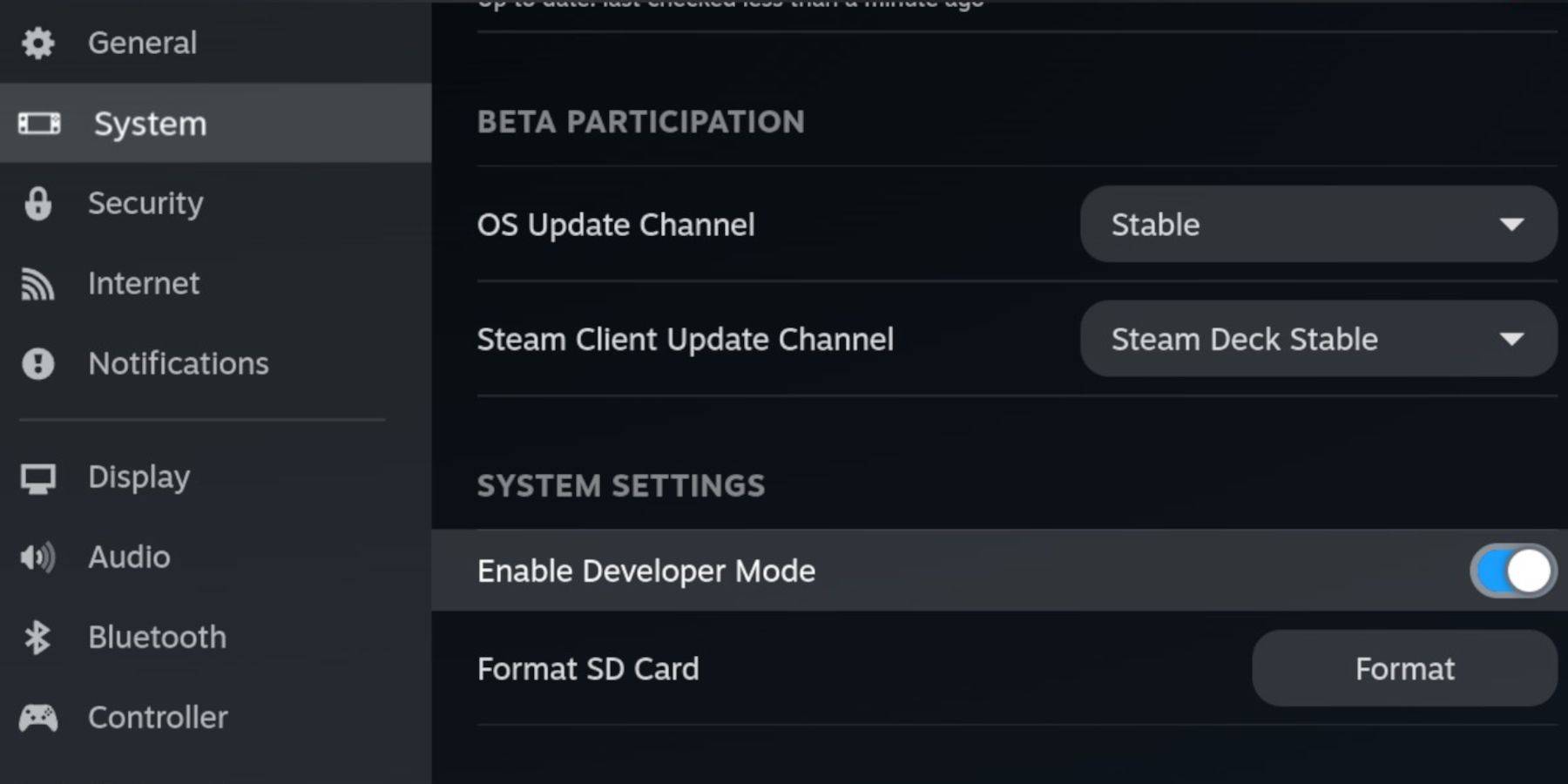
Enable Developer Mode and CEF Debugging in the Steam Deck's system settings, then switch to Desktop Mode.
EmuDeck Installation:
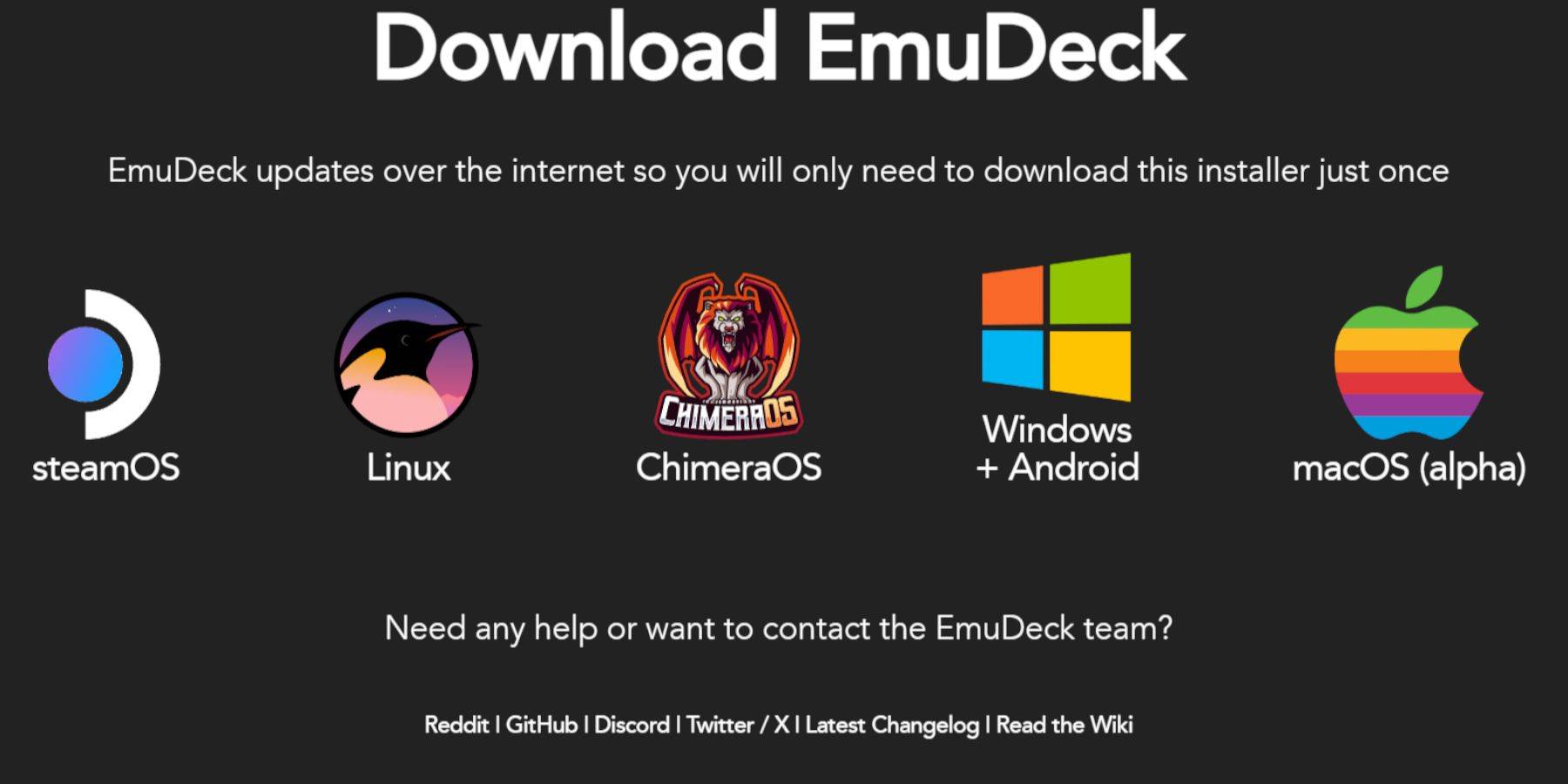
Connect your keyboard/mouse. Download EmuDeck via a browser (e.g., DuckDuckGo, Firefox), choosing SteamOS and a free download. Select Custom Install, specify your SD card as the primary installation location, choose your desired emulators (RetroArch, Emulation Station, Steam ROM Manager recommended), enable Auto Save, and complete the installation.
Quick Settings:
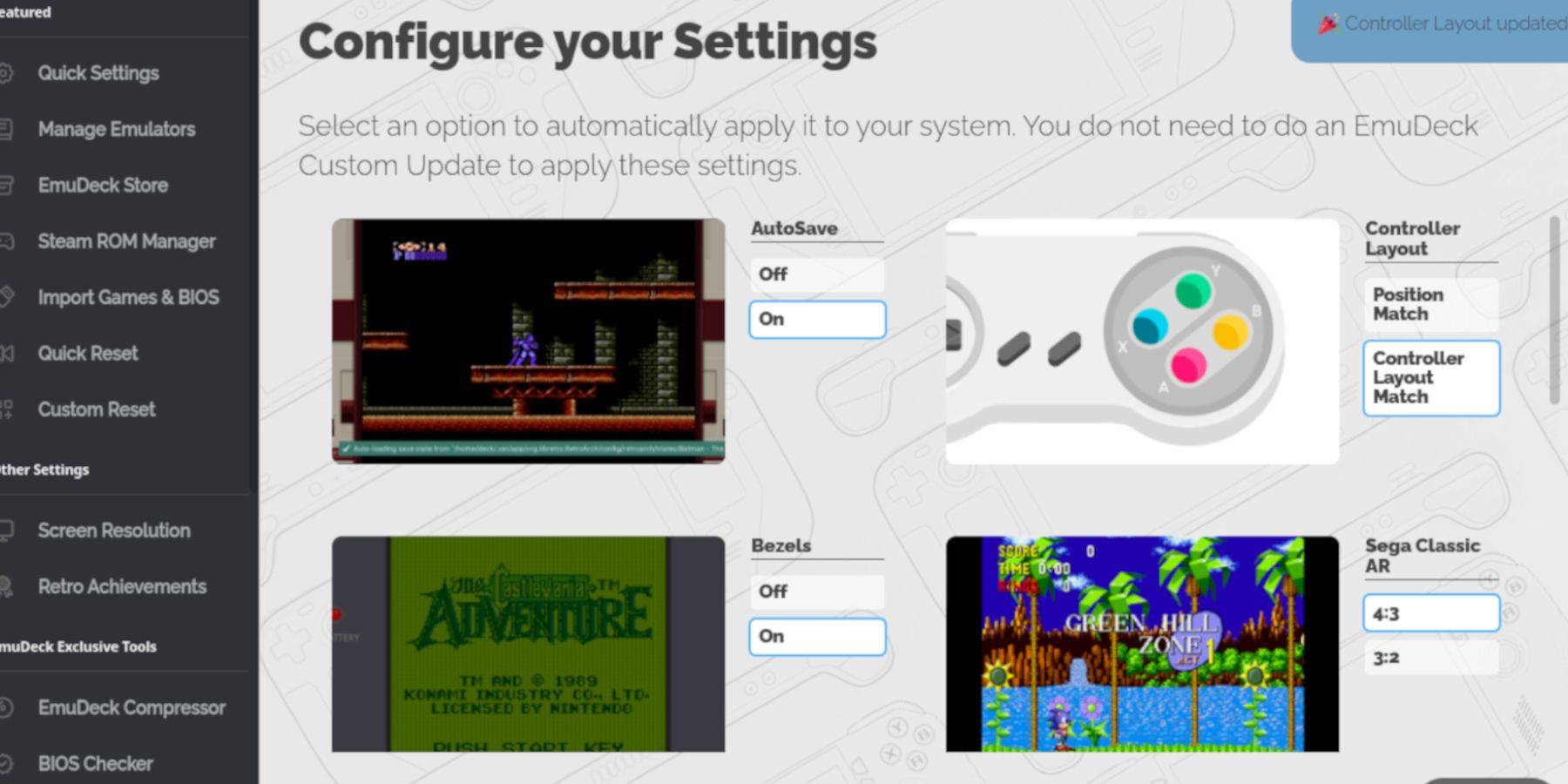
Within EmuDeck, enable AutoSave, Controller Layout Match, Bezels, Nintendo Classic AR, and LCD Handhelds.
Adding Game Boy Games:
Use Dolphin File Manager to navigate to Primary > Emulation > ROMS > gb on your SD card. Ensure ROM files have the .gb extension and transfer your games to this folder.
Steam ROM Manager Integration:
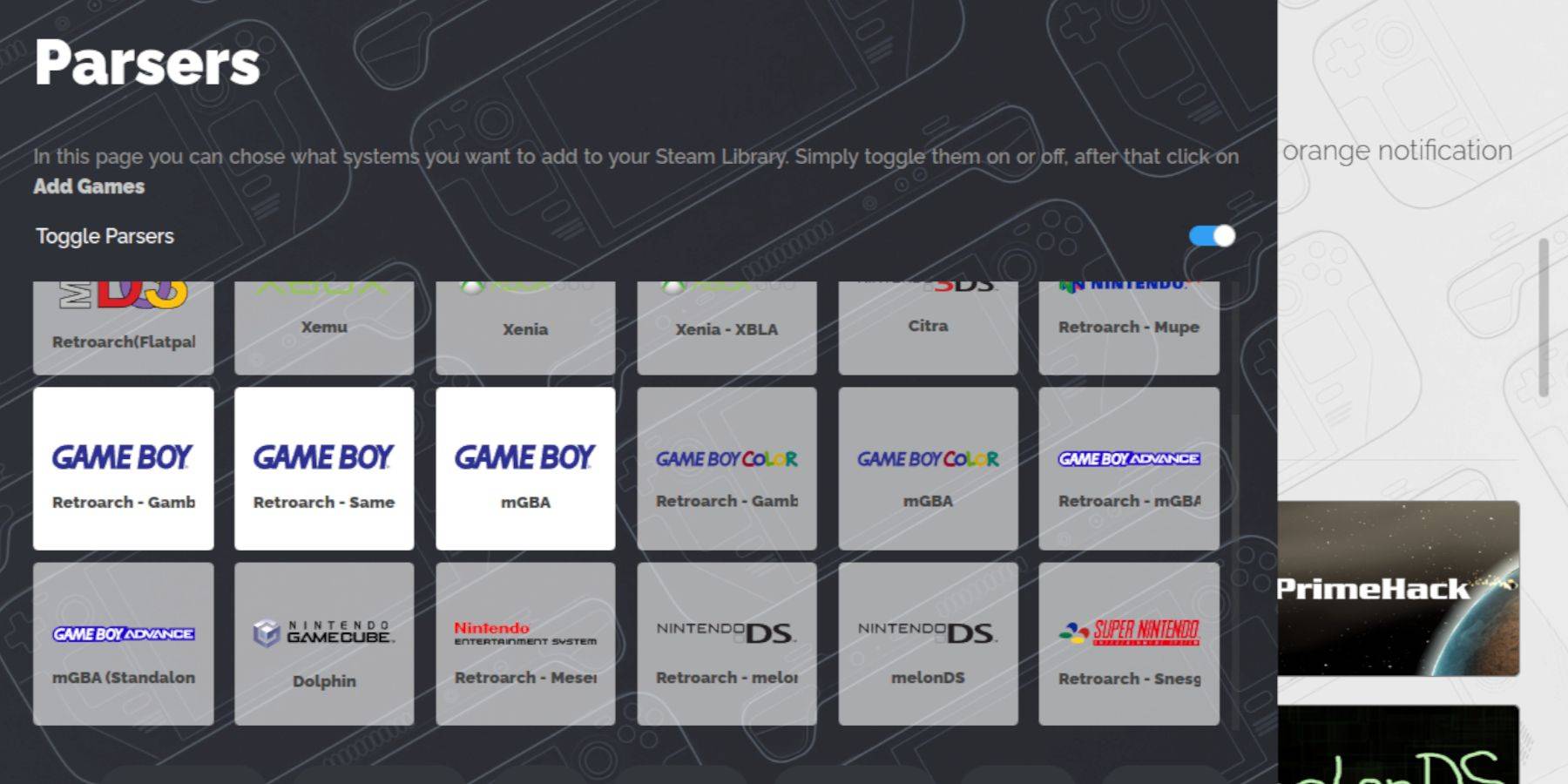
Use Steam ROM Manager within EmuDeck to add your Game Boy games to your Steam library. Disable Toggle Parsers, add the games, and save to Steam.
Playing Game Boy Games:
Access your Game Boy games through your Steam Library's Collections tab. Launch games and use the Select + Y button combination to access RetroArch's menu for color customization (where applicable).
Emulation Station:
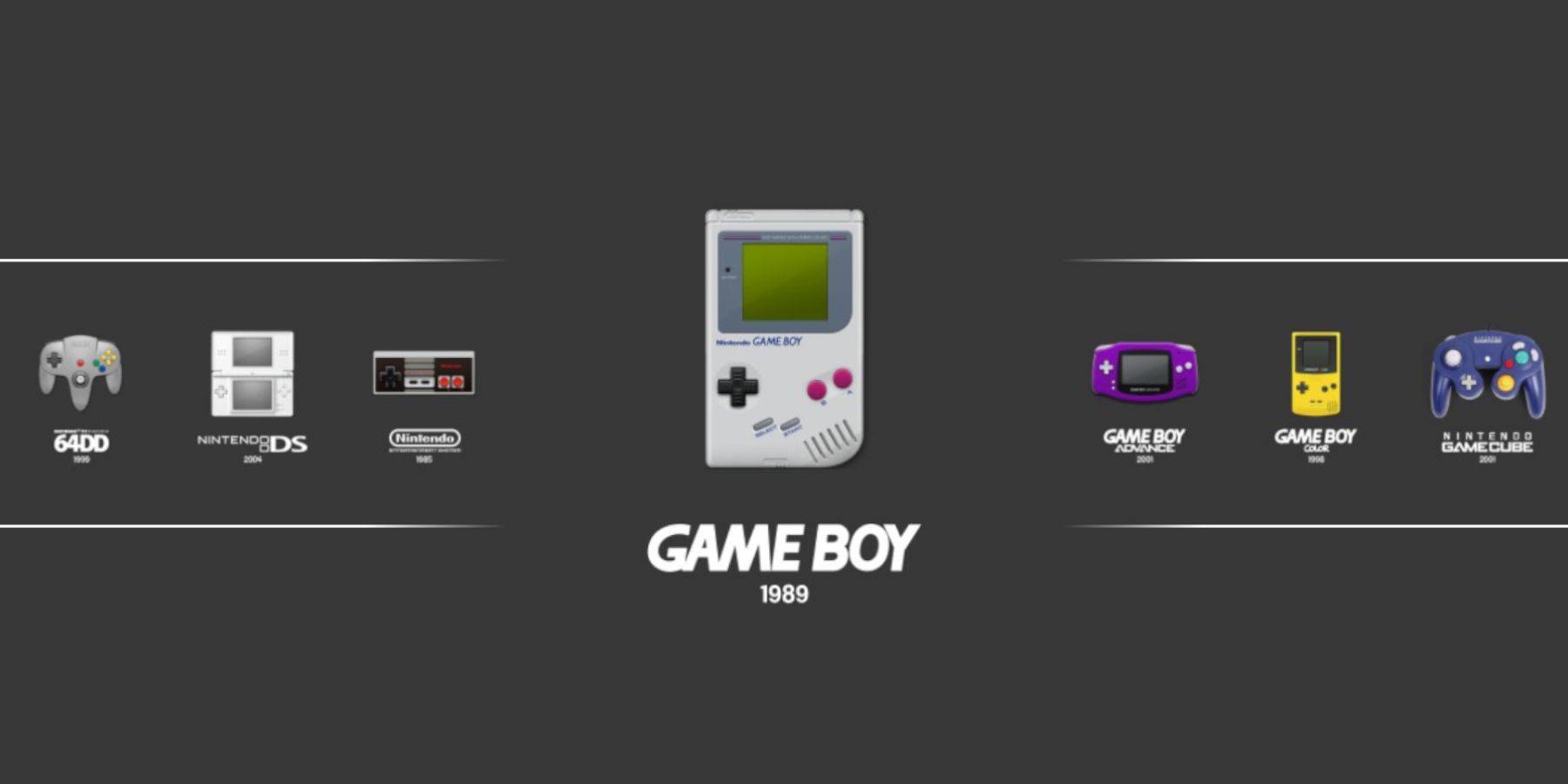
Alternatively, launch games through Emulation Station in your Steam Library.
Decky Loader Installation:
For optimal performance, install Decky Loader from its GitHub page. Choose the recommended install and restart your Steam Deck.
Power Tools Plugin:
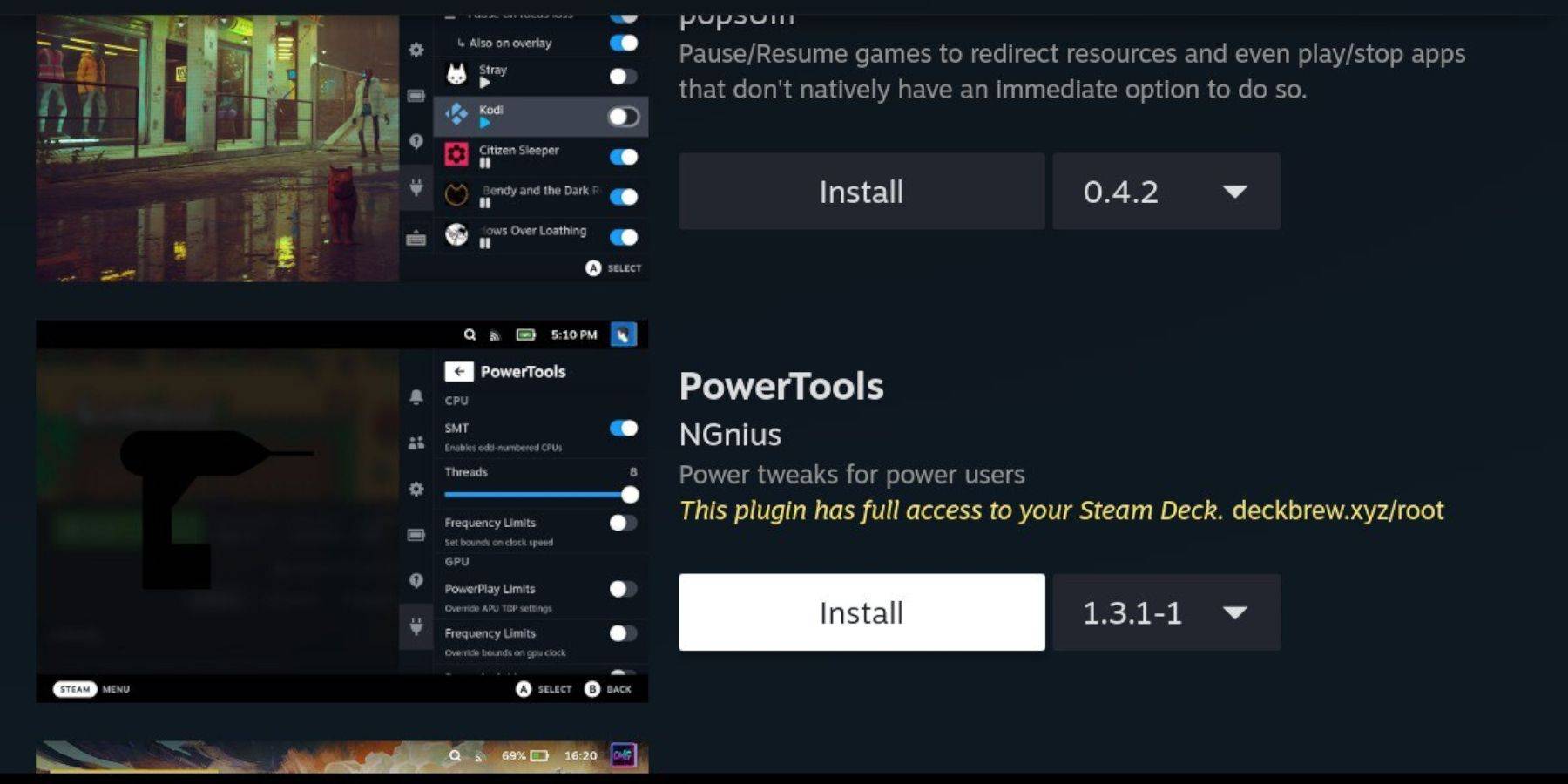
Install the Power Tools plugin via the Decky Store. Disable SMTs, set threads to 4, enable advanced view in the Performance menu, set the GPU clock frequency to 1200, and utilize per-game profiles for customized settings.
Restoring Decky Loader After Updates:
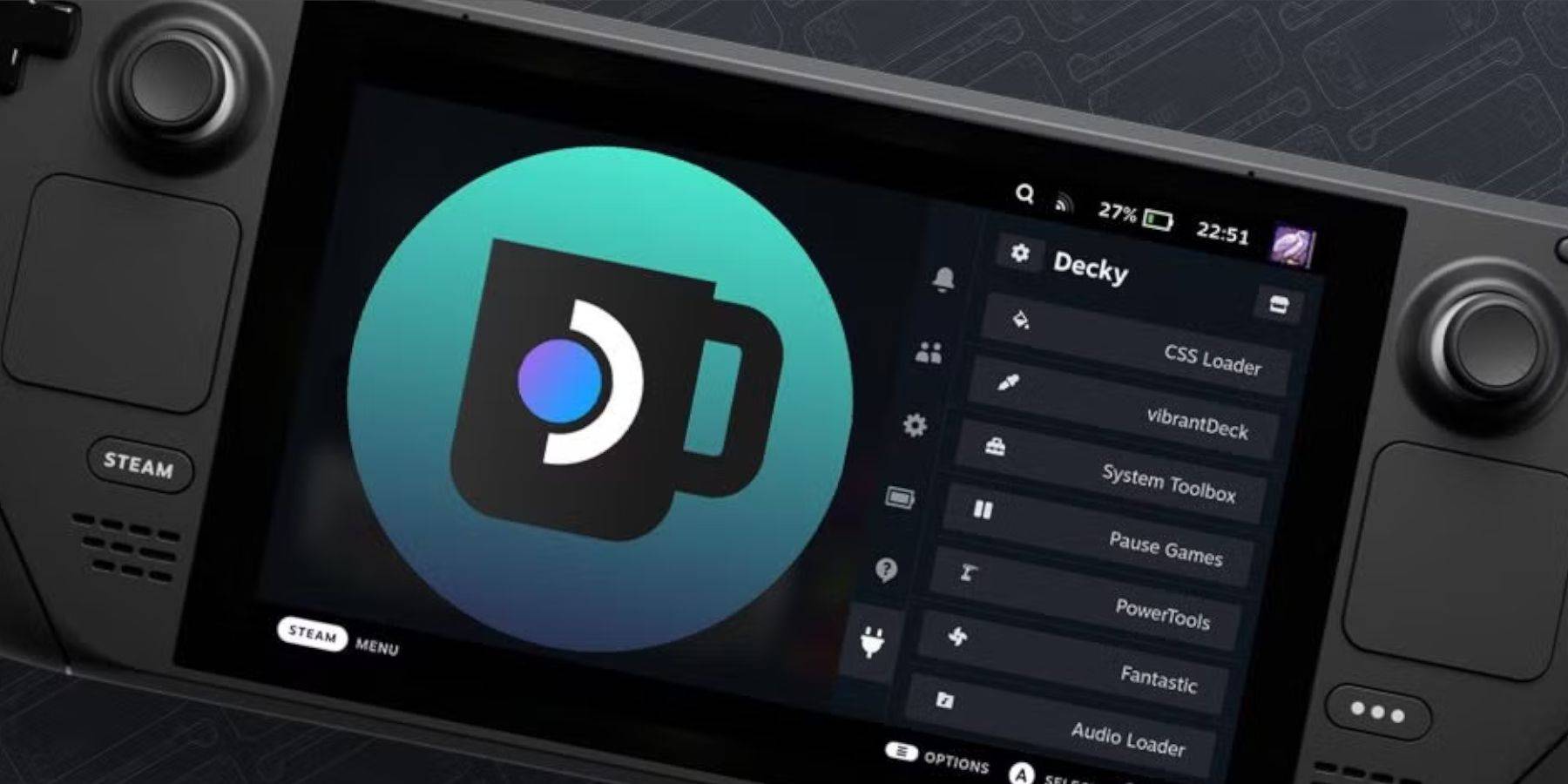
After Steam Deck updates, reinstall Decky Loader from its GitHub page to restore functionality.
Enjoy your Game Boy games on the larger Steam Deck screen!
-
 Auto Stamper™: Date TimestampAuto Stamper is the ideal tool for adding a personal touch to your photos and preserving the stories they hold. This smart photo editing app lets you effortlessly stamp images with details such as date, time, location, signature, logo, and more. It
 -
 Kaorin Icon Pack ModUpgrade your phone's aesthetic with the Kaorin Icon Pack Mod. Move beyond standard Material design and immerse yourself in subtle, elegant tones and exquisite wallpapers. Every icon is individually handcrafted for a pixel-perfect display. Enjoy effo
 -
 tag onlineA beginner-friendly online tag game that's simple and easy to play!Players are trapped in a walled garden, fending off hordes of relentless demons.Will you survive and collect more coins than your opponents?A straightforward online tag game, perfect
 -
 PinwheelExperience a one-of-a-kind paper pinwheel simulator! We are thrilled to present a truly unique paper pinwheel simulator! Now you can enjoy a vast collection of realistic paper pinwheels right on your phone. The game features 9 distinct types of paper
 -
 Flaine Carroz 2ccam OutdoorDiscover the Flaine Carroz 2ccam Outdoor app, your key to a life unburdened by daily pressures. Master the art of relaxation with perfect nap spots, scenic nature walks, and insider tips for sourcing local products. For heritage enthusiasts, trade m
 -
 Mega ShowsExperience the ultimate movie hub with Mega Shows, your premier app for the newest films. Browse a comprehensive library of movie details and images, powered by data from TMDB.org. Stay current with the latest releases via our integrated TMDb API. F
-
 Marvel Rivals Season 1 Release Date Revealed
-
 Sonic Racing: CrossWorlds Characters and Tracks Revealed for Upcoming Closed Network Test
-
 Honkai: Star Rail Update Unveils Penacony Conclusion
-
 Announcing Path of Exile 2: Guide to Sisters of Garukhan Expansion
-
 Ubisoft Cancels Assassin's Creed Shadows Early Access