

Hyper Light Breaker: How To Play With Friends
Quick Links
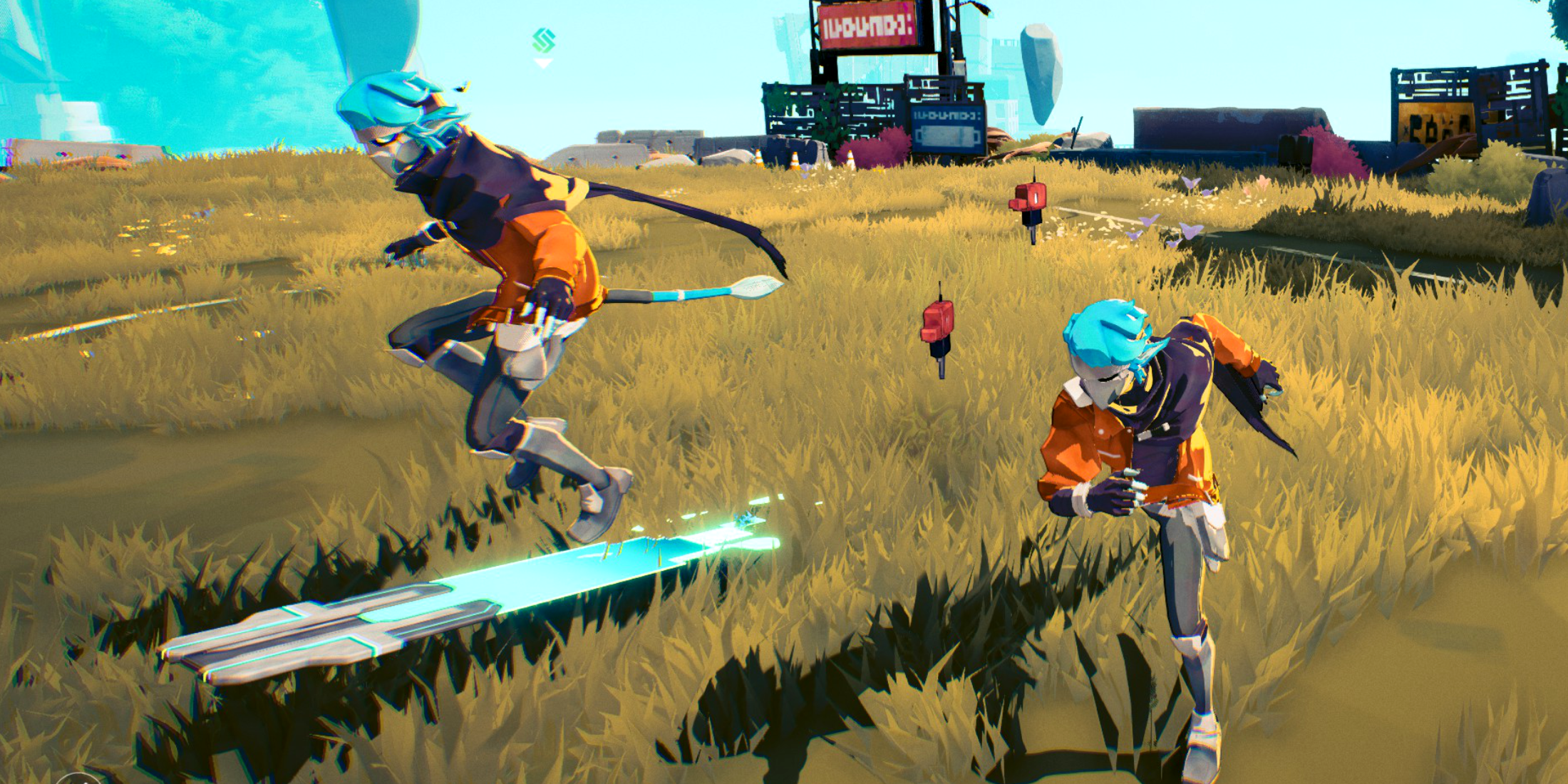
Hyper Light Breaker, the highly anticipated sequel to the indie hit Hyper Light Drifter, significantly departs from its predecessor's formula. Trading 2D pixel art for a stunning 3D world (without sacrificing its visual charm), it blends rogue-lite gameplay with extraction mechanics, and importantly, adds multiplayer.
Cooperative play is a core feature, making the challenges and rewards more enjoyable with a fellow Breaker by your side. This guide details how to play with friends and how to use online matchmaking to join random public groups.
How To Play Hyper Light Breaker With Friends
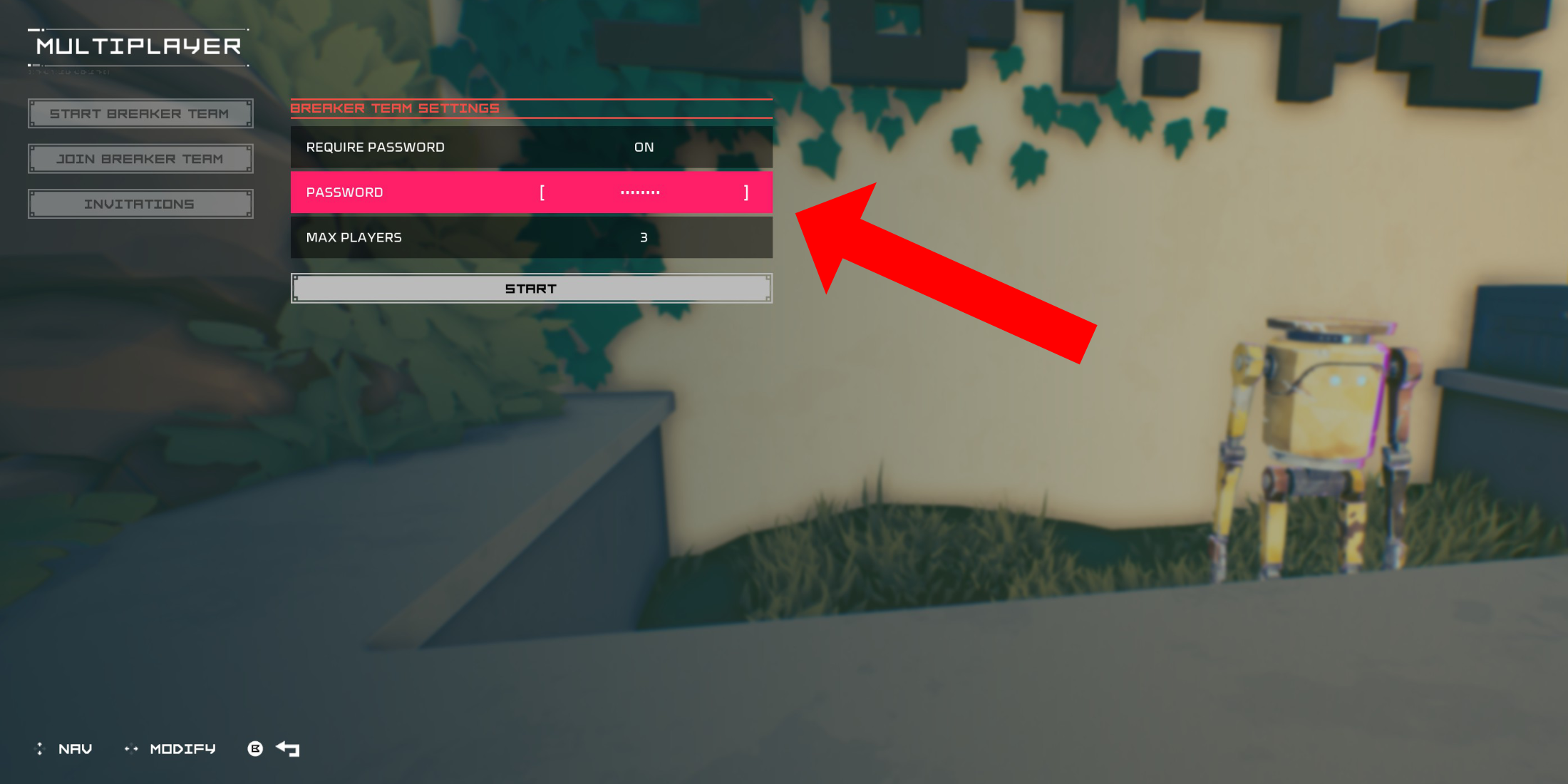 To play Hyper Light Breaker co-op, create a private multiplayer room. After spawning in the Cursed Outpost hub, approach the counter to the left of Commander Pherus Bit.
Press the Interact button (usually R1 or RB) to access the Multiplayer menu. Here, you can create or join teams and check invitations. To play with friends, select "Create Breaker Team."
Enable "Password Required" and set a password. Invite up to two friends using your platform's social features (PSN, Xbox, and Steam are supported). The game supports three-player groups.
Invited friends will receive an in-game notification if online. Otherwise, they can join using the invitation link. Your team might also appear in the "Join Breaker Team" list, allowing friends to join directly.
Once your friends accept and enter the password, you're ready for co-op action.
Random Online Matchmaking In Hyper Light Breaker
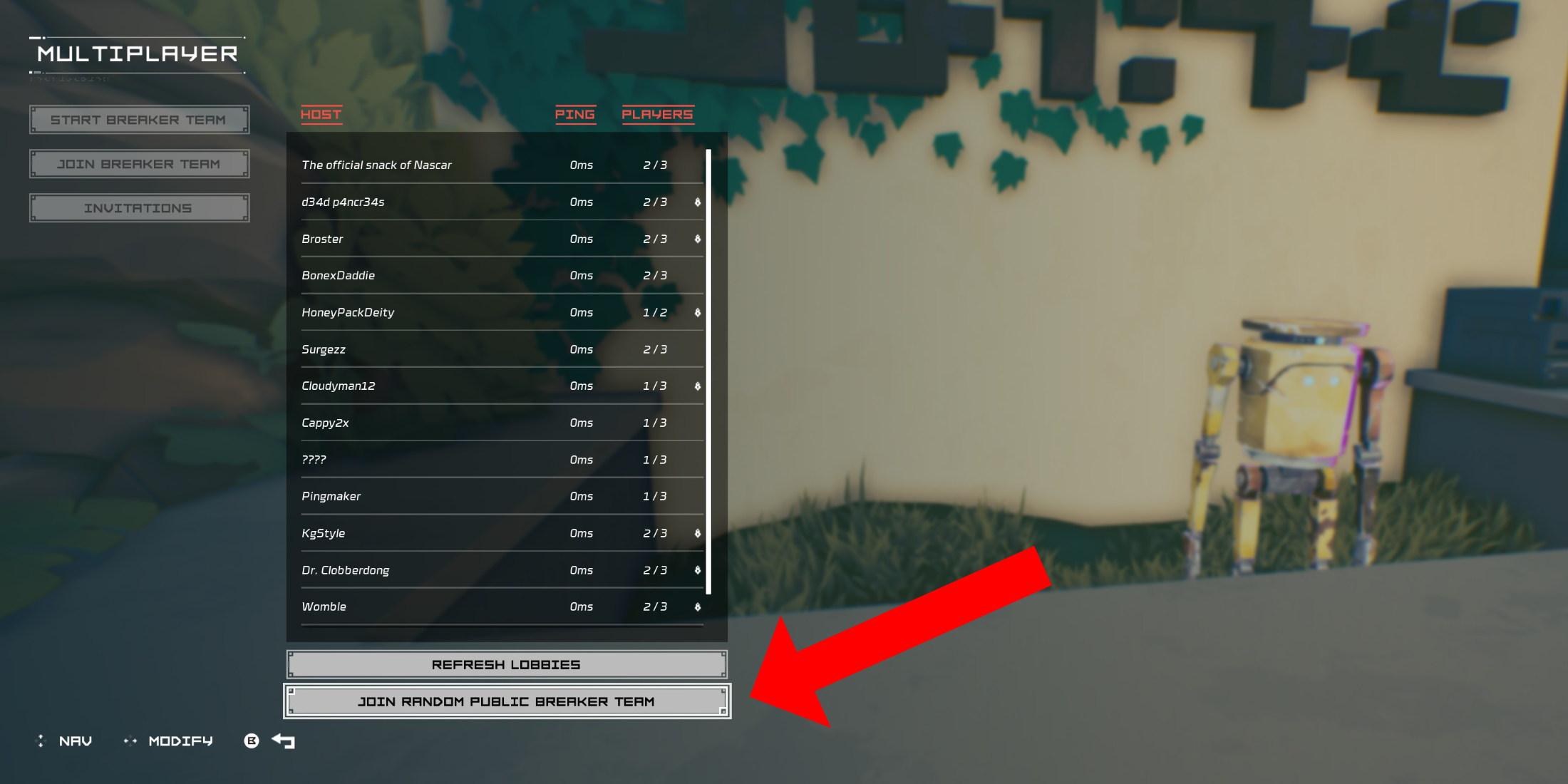 If you lack Hyper Light Breaker-playing friends, public groups offer a way to connect with others. Create your own public group (without a password) or join a random one.
In the Cursed Outpost's Multiplayer menu, select "Join Breaker Team," then scroll to "Join Random Public Breaker Team" at the bottom.
The game will find an available public team and place you in it. After a brief loading screen, you'll join the host's world.
To leave a multiplayer session, return to the counter, open the Multiplayer menu, and select the "Disconnect" option (appearing only when in a session). Alternatively, simply quit the game.
-
 Comic Reader +Tired of ads constantly disrupting your comic reading? Welcome to Comic Reader +! This exceptional app doesn’t just make reading your favorite comics easy and smooth—it also delivers deep character insights. Available only on Android, CR+ elevates c
 -
 Pik TV - Show Live TV MoviesPik TV - Show Live TV Movies is your all-in-one entertainment hub, delivering a diverse collection of content right at your fingertips. From live cricket action to complimentary movies, TV series, and exclusive web shows, this app provides it all. I
 -
 BlockashSearching for an entertaining and gripping block puzzle to exercise your mind and relax? Blockash is the perfect choice! Its intuitive controls and innovative Gem-matching mechanics offer a polished experience that promises hours of fun. More than j
 -
 KodiTurn your device into a powerful streaming hub with Kodi, a free and open-source media center. It plays nearly any media type—music, videos, podcasts, and photos—from local storage, network drives, or online sources. Customize your entertainment, or
 -
 ดัมมี่เวิลด์ - Dummy ป๊องเด้งDummy World - Dummy Pongdeng is a well-known Thai card game application that lets players enjoy the classic game of Dummy (also known as Rummy) digitally. It often includes multiplayer features, allowing users to compete with friends or other player
 -
 Zombeast: FPS Zombie ShooterZombeast: FPS Zombie Shooter plunges you into a bone-chilling world of the undead. Experience the terror of a zombie-infested realm with no escape. Survive relentless battles against monstrous foes, demanding every bit of your skill and strategy. Get
-
 Marvel Rivals Season 1 Release Date Revealed
-
 Sonic Racing: CrossWorlds Characters and Tracks Revealed for Upcoming Closed Network Test
-
 Honkai: Star Rail Update Unveils Penacony Conclusion
-
 Announcing Path of Exile 2: Guide to Sisters of Garukhan Expansion
-
 Ubisoft Cancels Assassin's Creed Shadows Early Access