

How To Fix Marvel Rivals Dropping FPS
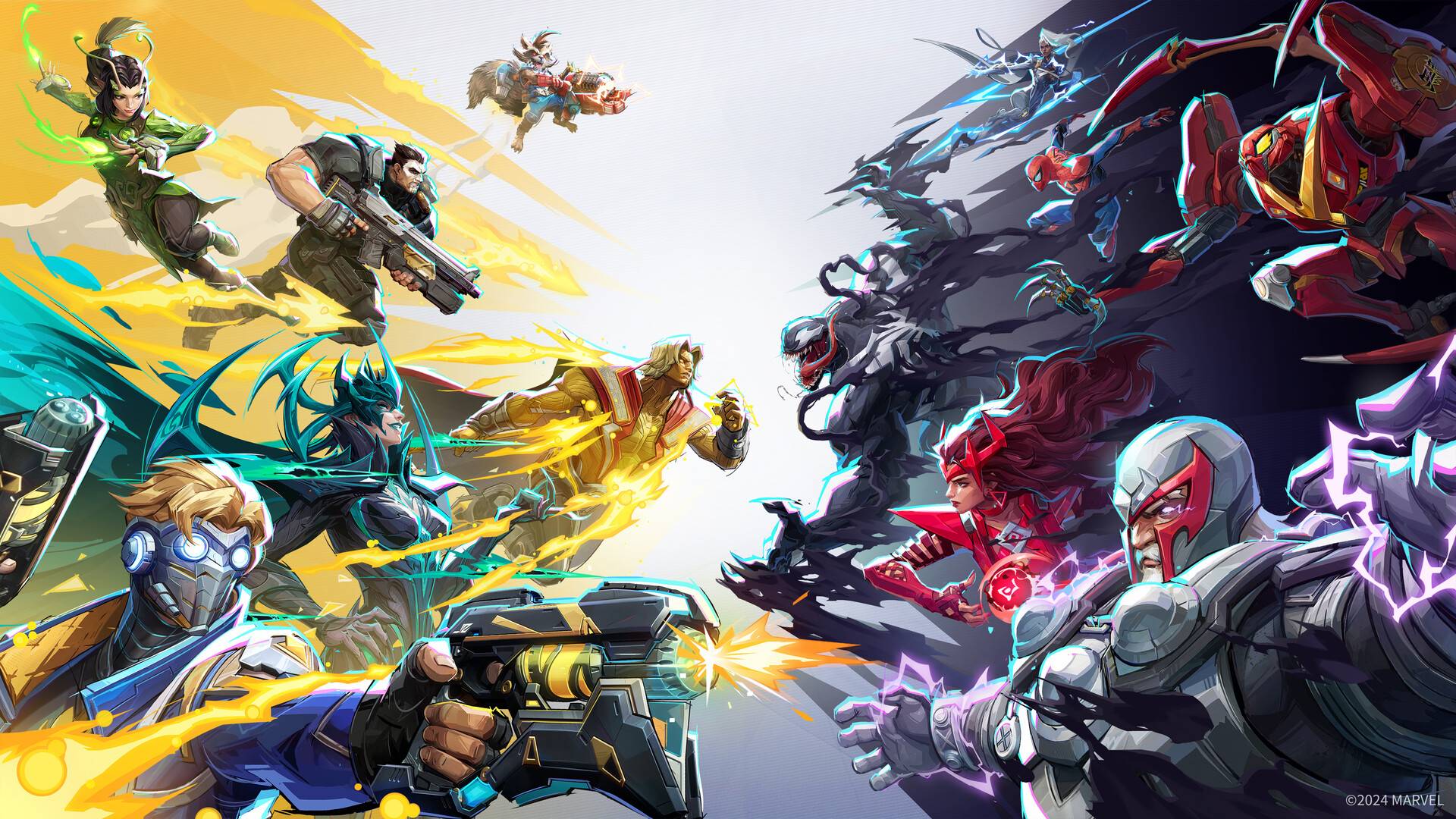
NetEase's *Marvel Rivals* has quickly become a gaming sensation, but like many popular multiplayer games, it's not without its issues. One particularly frustrating problem is the game's tendency to drop frames per second (FPS), impacting gameplay and overall enjoyment. This guide outlines how to address this issue and get back to enjoying the action.
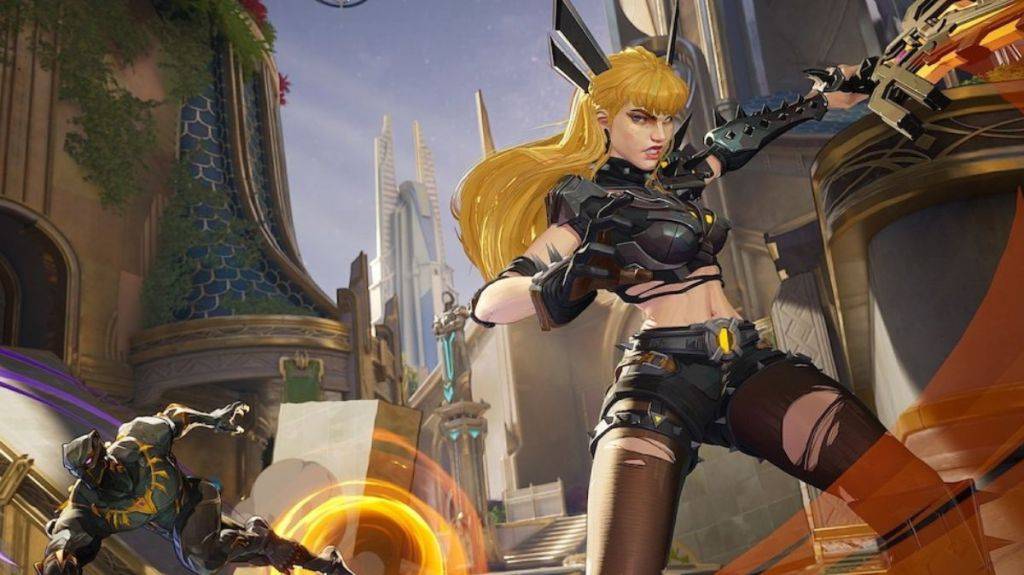
FPS, or frames per second, measures how many images your game displays per second. A smooth gaming experience relies on consistent, high FPS. However, drops in FPS can significantly affect both gameplay and your overall gaming experience, leading to frustration.
Since the Season 1 update, reports of *Marvel Rivals* FPS drops have increased dramatically. Many players have taken to online forums to discuss this issue and seek solutions.
Here are several troubleshooting steps you can try:
Reinstall GPU Drivers and Enable GPU Acceleration: Access your Windows graphics settings and ensure GPU acceleration is enabled. Some players have found that disabling this setting for other games inadvertently affects *Marvel Rivals*, leading to performance issues. Reinstalling your graphics drivers can also resolve compatibility problems.
Redownload the Game on an SSD: Installing *Marvel Rivals* on a Solid State Drive (SSD) can significantly improve loading times and overall performance. SSDs offer much faster read and write speeds compared to traditional hard drives, potentially resolving FPS drops.
Wait for a Developer Fix: If the above steps don't work, your best bet is to patiently wait for a patch from NetEase. The developers are actively working on addressing performance issues, including similar FPS problems impacting character damage. While waiting may be frustrating, it's a more effective solution than struggling with unplayable gameplay.
This guide covers how to fix *Marvel Rivals* dropping FPS. Remember to try each step methodically. Good luck, and get back to battling!
*Marvel Rivals* is available now on PS5, PC, and Xbox Series X|S.
-
 KodiTurn your device into a powerful streaming hub with Kodi, a free and open-source media center. It plays nearly any media type—music, videos, podcasts, and photos—from local storage, network drives, or online sources. Customize your entertainment, or
 -
 ดัมมี่เวิลด์ - Dummy ป๊องเด้งDummy World - Dummy Pongdeng is a well-known Thai card game application that lets players enjoy the classic game of Dummy (also known as Rummy) digitally. It often includes multiplayer features, allowing users to compete with friends or other player
 -
 Zombeast: FPS Zombie ShooterZombeast: FPS Zombie Shooter plunges you into a bone-chilling world of the undead. Experience the terror of a zombie-infested realm with no escape. Survive relentless battles against monstrous foes, demanding every bit of your skill and strategy. Get
 -
 Teeter Pro - labyrinth mazeTeeter Pro - Labyrinth Maze Mod puts your skills and wits to the ultimate test in this thrilling maze adventure. Navigate over 120 distinct levels, each packed with unique obstacles and twists, ensuring endless entertainment. Guide the steel ball th
 -
 The Lucky Miner - The Cash AppEmbark on a thrilling gold-mining adventure with The Lucky Miner, an exciting slot game. Featuring vibrant graphics and engaging gameplay, spin the reels to discover treasures like gems and gold nuggets. With multiple bonus rounds and free spins, ev
 -
 Little Robot ModLittle Robot Mod plunges you into a high-octane world of robotic chaos and strategic combat. You take command, destroying enemy robots and seizing control to turn them into loyal allies. After conquering foes, they join your ranks, fighting beside y
-
 Marvel Rivals Season 1 Release Date Revealed
-
 Sonic Racing: CrossWorlds Characters and Tracks Revealed for Upcoming Closed Network Test
-
 Honkai: Star Rail Update Unveils Penacony Conclusion
-
 Announcing Path of Exile 2: Guide to Sisters of Garukhan Expansion
-
 Ubisoft Cancels Assassin's Creed Shadows Early Access