

How to Play Pokémon TCG Pocket on PC or Mac with BlueStacks
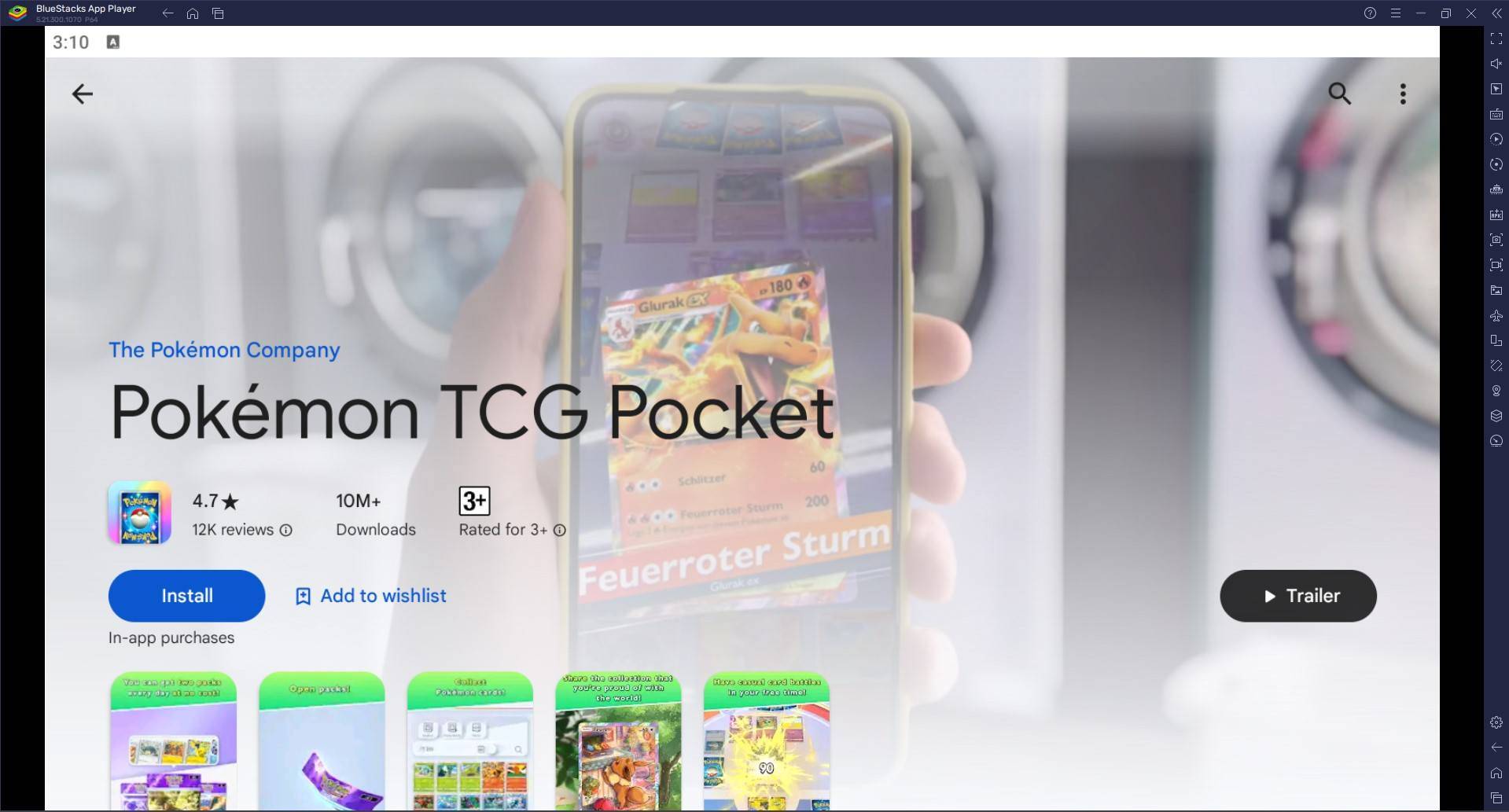
Experience the Pokémon Trading Card Game like never before with Pokémon TCG Pocket! Collect diverse Pokémon cards, craft custom decks, and engage in strategic battles against AI or other players. This game faithfully recreates the thrill of the original card game while introducing exciting new features.
Build your winning deck by strategically combining Pokémon, energy, and trainer cards. Uncover new Pokémon cards, including rare and powerful additions, by opening booster packs. Log in daily to earn rewards that bolster your collection and enhance your deck's strength.
Playing Pokémon TCG Pocket on PC or Mac with BlueStacks:
Method 1: For New BlueStacks Users
- Access the Game: Navigate to the game's page and select "Play Pokémon TCG Pocket on PC."
- Install BlueStacks: Download and launch the BlueStacks emulator.
- Sign In & Install: Log in to the Google Play Store within BlueStacks and install Pokémon TCG Pocket.
- Start Playing: Launch the game and begin your Pokémon TCG journey!
Method 2: For BlueStacks Air on Mac (Apple Silicon)
- Download BlueStacks Air: Visit the official BlueStacks website and download BlueStacks Air.
- Install BlueStacks Air: Open the downloaded .dmg file and drag the BlueStacks icon to your Applications folder.
- Launch & Sign In: Launch BlueStacks Air, sign in with your Google account, and access the Play Store.
- Install Pokémon TCG Pocket: Search for and install Pokémon TCG Pocket.
- Enjoy! Begin playing!
Method 3: For Existing BlueStacks Users
- Launch BlueStacks: Open BlueStacks on your PC or Mac.
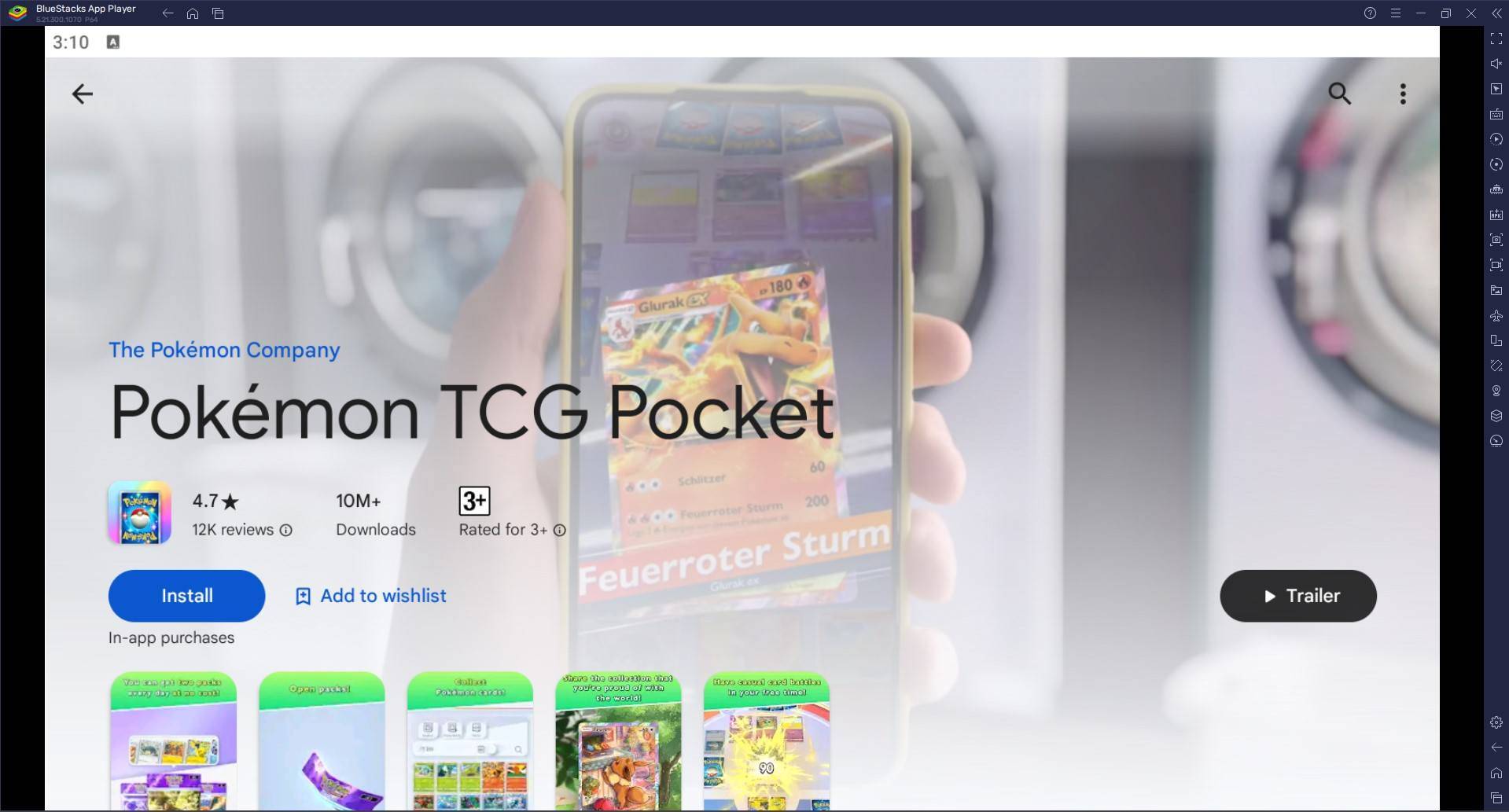
- Search & Install: Search for "Pokémon TCG Pocket" in the BlueStacks search bar, select the game, and install it.
- Play! Start playing immediately.
Minimum System Requirements:
BlueStacks boasts impressive compatibility, requiring only:
- OS: Windows 7 or later, macOS 11 (Big Sur) or later.
- Processor: Intel, AMD, or Apple Silicon processor.
- RAM: 4GB minimum.
- Storage: 10GB free disk space.
- Permissions: Administrator access.
- Graphics Drivers: Up-to-date graphics drivers.
Tips for Success:
- Open packs daily to expand your card collection.
- Experiment with different card combinations to discover optimal deck strategies.
- Analyze your battles to learn from both victories and defeats, refining your approach accordingly.
Enjoy the ultimate Pokémon TCG Pocket experience on your PC or Mac with BlueStacks! For more details, visit the game's Google Play Store page.
-
 Head Soccer CardsStep into the thrilling world of Head Soccer Cards, a sport card puzzle game where you build your ultimate team of Soccer Heads to outsmart and outscore your rivals. Each turn, you'll receive pairs of cards and must strategically pick your players t
 -
 Summoner SquadSummoner Squad transports players into the enchanting realm of Gaia Land, tasking them with assembling a powerful team of six charming heroes to stand against the encroaching darkness. Featuring a distinctive cubic art style, the game lets you summo
 -
 FNAFFive Nights at Freddy's (FNAF) is a critically acclaimed indie horror franchise developed by Scott Cawthon. As a night-shift security guard, you must monitor haunted pizzeria animatronics. Manage limited resources, operate surveillance cameras, and
 -
 MultiSave - Photo, Video Downloader for InstagramMultiSave - Baixador de Fotos e Vídeos para Instagram é a ferramenta definitiva para todos os entusiastas do Instagram! Com a capacidade de salvar múltiplas fotos e vídeos do Instagram de forma rápida e fácil, você pode agora criar sua própria galeri
 -
 Auto Stamper™: Date TimestampAuto Stamper is the ideal tool for adding a personal touch to your photos and preserving the stories they hold. This smart photo editing app lets you effortlessly stamp images with details such as date, time, location, signature, logo, and more. It
 -
 Kaorin Icon Pack ModUpgrade your phone's aesthetic with the Kaorin Icon Pack Mod. Move beyond standard Material design and immerse yourself in subtle, elegant tones and exquisite wallpapers. Every icon is individually handcrafted for a pixel-perfect display. Enjoy effo
-
 Marvel Rivals Season 1 Release Date Revealed
-
 Sonic Racing: CrossWorlds Characters and Tracks Revealed for Upcoming Closed Network Test
-
 Honkai: Star Rail Update Unveils Penacony Conclusion
-
 Announcing Path of Exile 2: Guide to Sisters of Garukhan Expansion
-
 Ubisoft Cancels Assassin's Creed Shadows Early Access