

Unlocking Hideouts in Path of Exile 2: A Guide
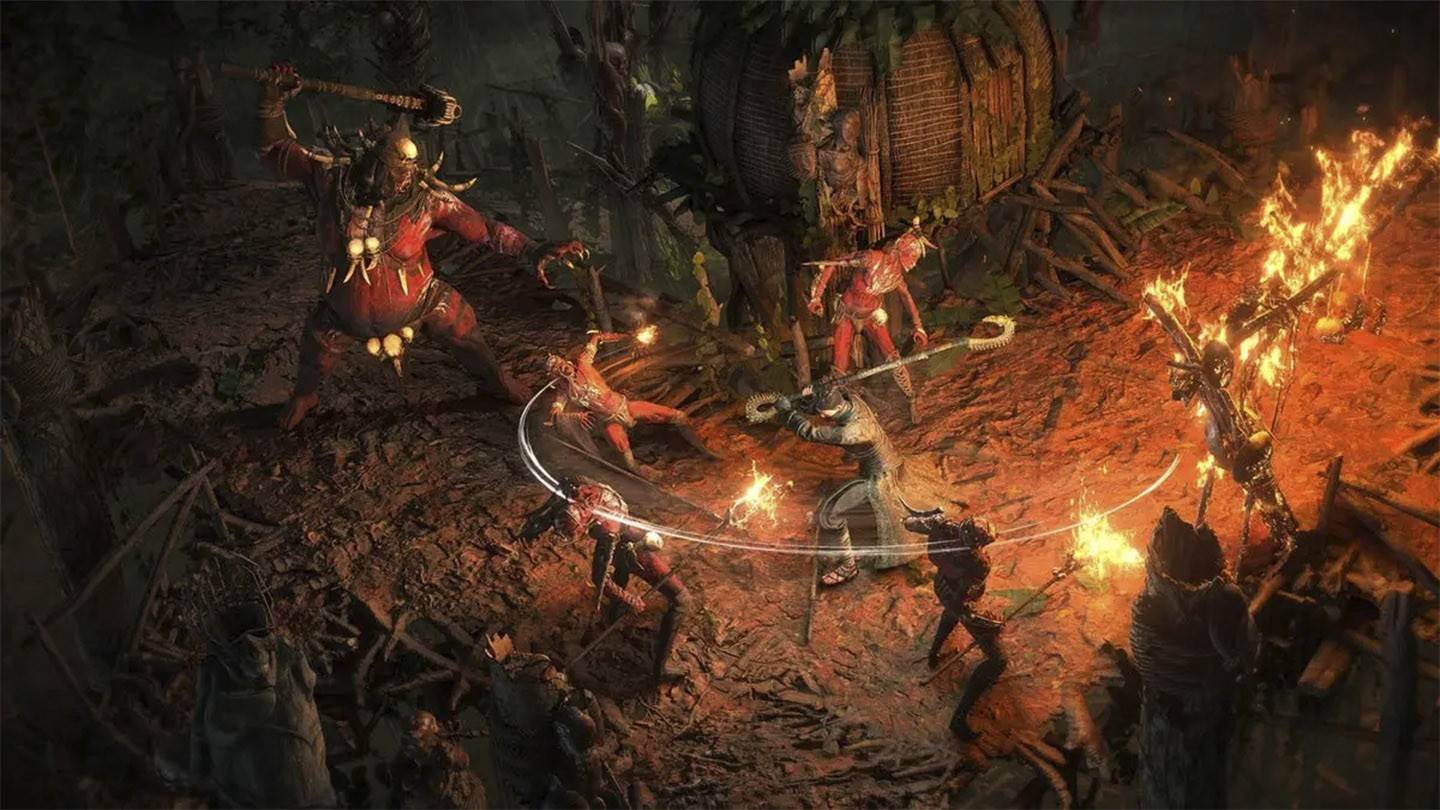
In Path of Exile 2, the Hideout serves as a crucial base for adventurers, offering a serene retreat between your thrilling runs. It's not just a place to unwind; it's a fully functional camp equipped with masters and vendors, where you have the creative freedom to arrange everything to your liking. Below, we'll delve into the essential features of this indispensable space.
Also read: How to elevate your PoE2 builds with skill gems.
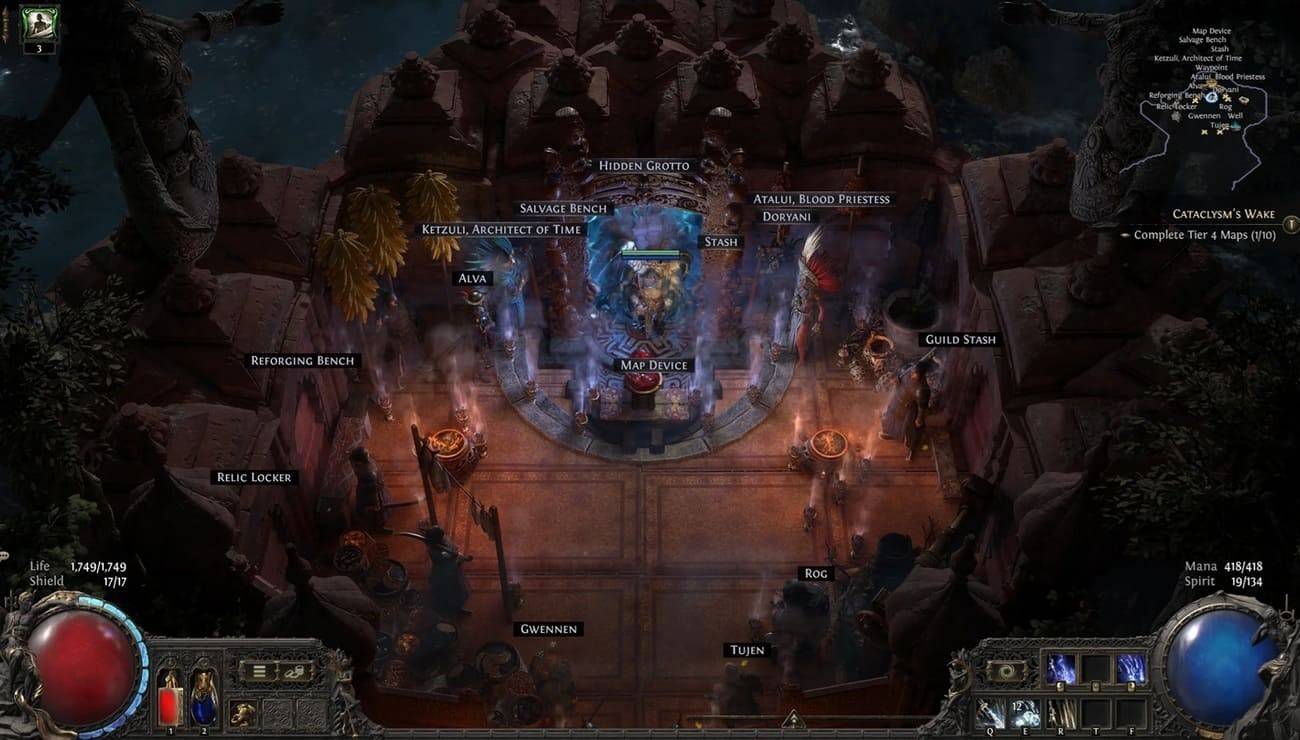 Image: reddit.com
Table of Content ---
- How to Unlock a Hideout in Path of Exile 2
- What Types of Hideouts Exist?
- Hideout Customization
How to Unlock a Hideout in Path of Exile 2
Unlocking a Hideout in Path of Exile 2 involves a journey that's both long and challenging. Here's what you need to do:
- Complete Act III twice, on both Normal and Hard difficulty levels.
- Unlock the Atlas of Worlds by defeating Act III's final boss and then speaking with NPC Doryani.
- Locate a map marked with the Hideout symbol within the Atlas of Worlds. This step typically doesn't take too long.
- Clear all the monsters within the designated area.
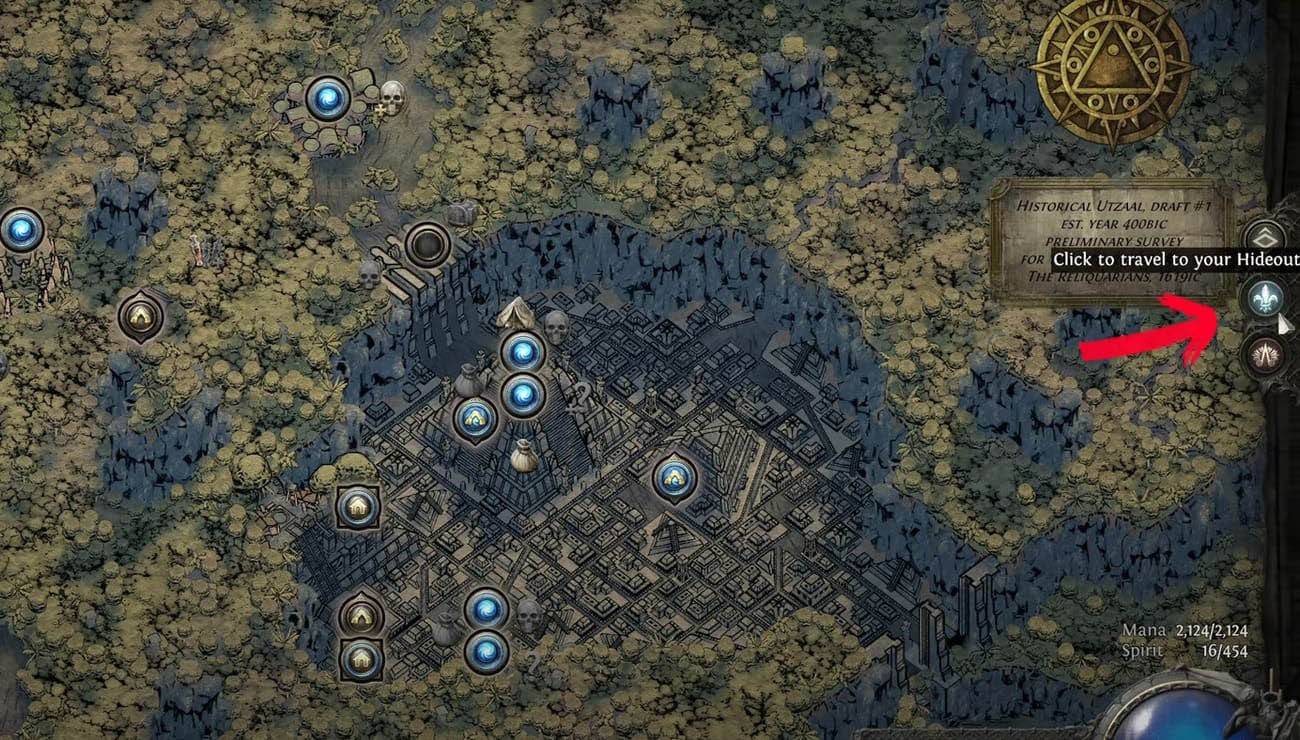 Image: ensigame.com
To access your personal base, navigate to the waypoint menu and select the Fleur-de-lis symbol on the right side of your screen. Alternatively, you can use a more unique method by typing the command
/hideout
in the game chat.
What Types of Hideouts Exist?
Upon unlocking your initial Hideout, you'll start with just one type of personal base. To unlock additional hideouts, you'll need to delve back into the Atlas of Worlds and hunt for new maps featuring Hideouts. Once you've collected them all, you'll have four distinct options to choose from:
- Felled
- Limestone
- Shrine
- Canal
To switch to a new type, engage with the NPC Alva and select the appropriate option from the menu.
Hideout Customization
In PoE2, once you've secured your Hideout, you can let your creativity soar by customizing and arranging it to your heart's content. You have the power to position objects and NPCs, rotate and move items, introduce new decorations, and even swap out old ones. Furthermore, you can import designs from fellow players or export your own to share with friends!
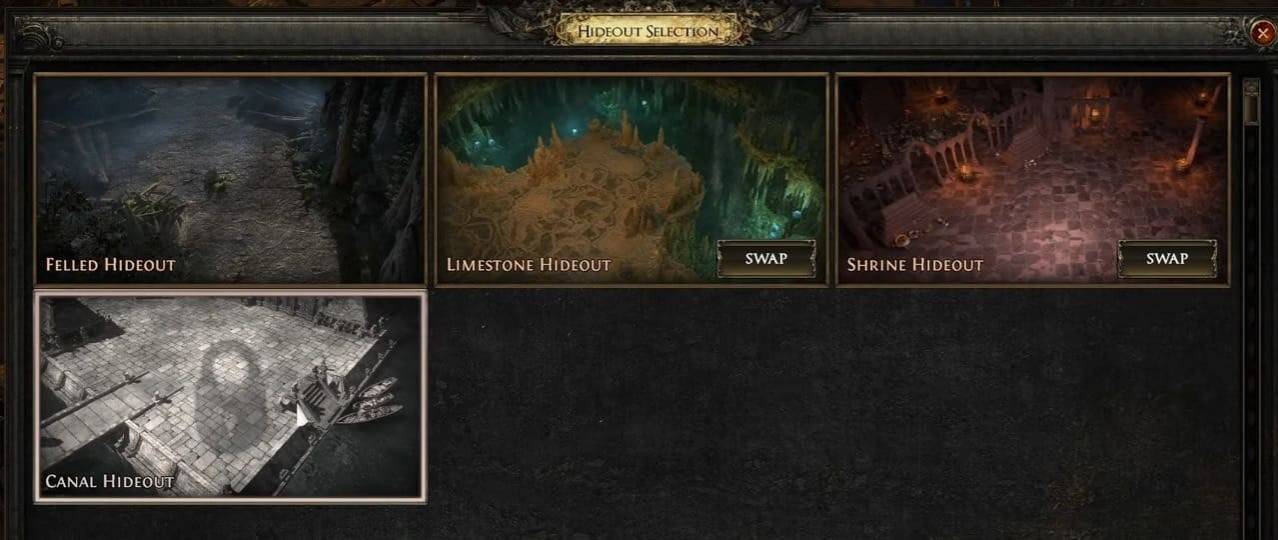 Image: youtube.com
Remember, functionality is key. Strategically place useful NPCs like Doryani for item identification, Ketzuli for disenchanting, and Alva for currency exchange near the entrance. Don't forget to set up Stashes and a Waypoint for ease of access. While optimizing for efficiency and saving time, also consider the aesthetics of your base, as other players may drop by to admire your creative efforts.
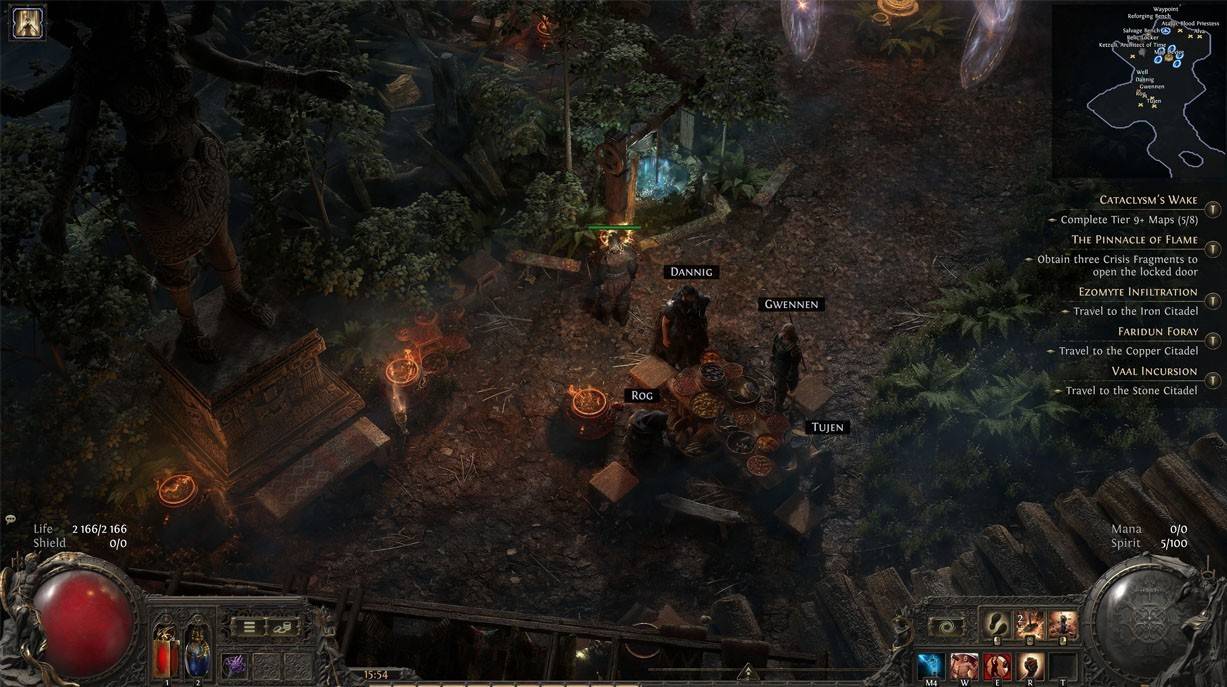 Image: reddit.com
Now you're equipped with the knowledge to unlock and personalize your Hideout in PoE2! We hope this guide helps you carve out a safe haven in the dark world of Wraeclast, tailored perfectly to your tastes!
-
 Batman: The Enemy WithinBruce Wayne and Batman are thrust into perilous new roles.In this new installment from the creators of Batman - The Telltale Series, Bruce Wayne and Batman must both embrace dangerous new identities. The Riddler has emerged to torment Gotham City, bu
 -
 True Fear: Forsaken Souls 1A truly gripping horror escape game experience.Begin a chilling horror adventure filled with dark mysteries in the first chapter of the True Fear: Forsaken Souls trilogy.Assume the role of Holly Stonehouse as you search for your missing sister, uncov
 -
 NumXNumX is a vibrant party game featuring a collection of mini-games where you control a straightforward cube character.NumX makes its return!After two years, NumX returns with a refined edition. Revisit classic mini-games and explore fresh additions, p
 -
 Flipper Knight: Table FlippingMaster the art of table flipping! Challenge yourself with rapid stacking and lightning-fast reflexes!Test your speed and precision in this thrilling table-flipping adventure, featuring charming hand-drawn graphics and smooth animations. Simple enough
 -
 Against The Wind ForeverGuide Rico through thrilling obstacles in this exciting adventure. Play now and help him survive against all odds!- Navigate Rico through this challenging course to reunite with her cubs!- Beware of the treacherous wind - it will stop at nothing to k
 -
 Merge Bullet Army Game Run 3DPrepare for Action in Merge Bullet Army Game RunCommand your bullet forces with precision in this strategic 3D shooter. As the leader of an elite ammunition unit, you'll combine firepower through smart merging tactics to create unstoppable weapon com
-
 Sonic Racing: CrossWorlds Characters and Tracks Revealed for Upcoming Closed Network Test
-
 Marvel Rivals Season 1 Release Date Revealed
-
 Honkai: Star Rail Update Unveils Penacony Conclusion
-
 Announcing Path of Exile 2: Guide to Sisters of Garukhan Expansion
-
 Ubisoft Cancels Assassin's Creed Shadows Early Access