

Zomboid Motoring: Hotwiring Made Simple
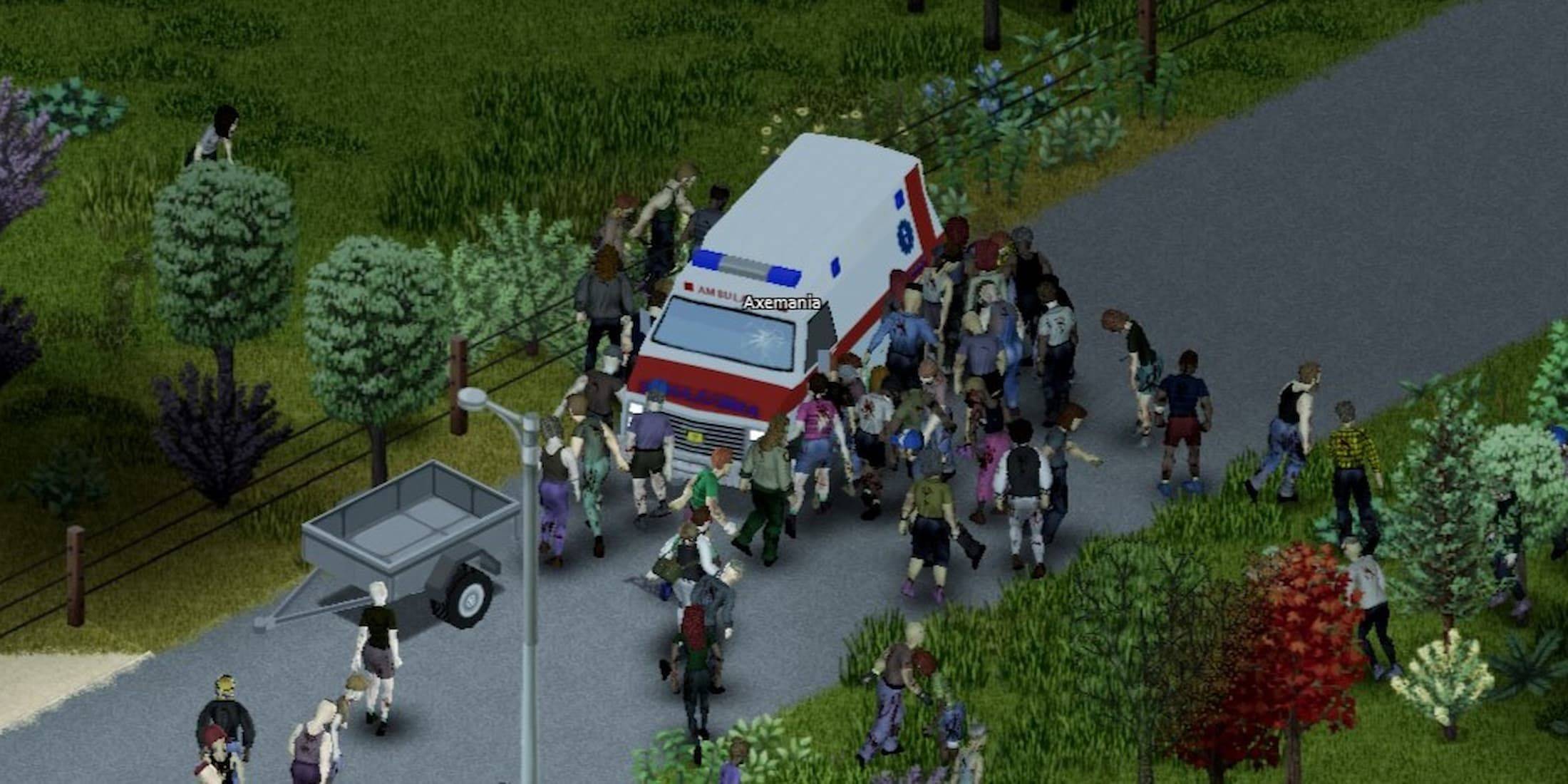
Mastering Car Hotwiring in Project Zomboid: A Comprehensive Guide
Project Zomboid's vast map makes traversing on foot a daunting task. Luckily, many vehicles remain functional, and if keys are elusive, hotwiring offers a solution. This guide details the process and skill requirements.
Hotwiring Mechanics in Project Zomboid
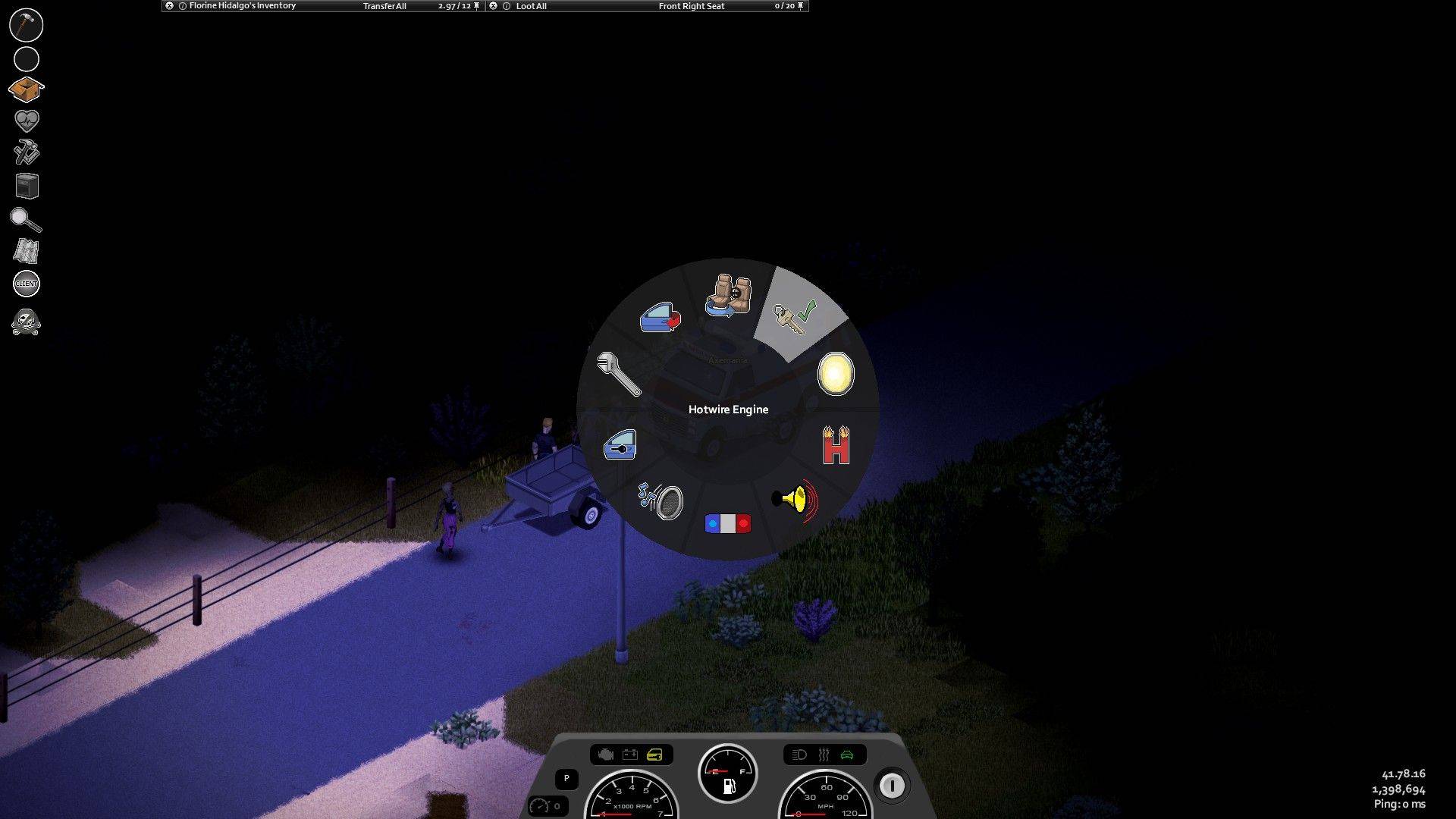 Successfully hotwiring a car grants temporary access, provided fuel and vehicle condition allow. However, Level 1 Electrical and Level 2 Mechanics skills are prerequisites. Alternatively, selecting the Burglar profession during character creation bypasses these skill checks.
How to Hotwire a Vehicle
- Enter the vehicle.
- Access the vehicle's radial menu (default key: V).
- Select "Hotwire" and wait for completion.
After meeting the skill requirements, follow these steps on any operable vehicle. The hotwiring process is automated; once finished, press W to start the engine. Remember to check fuel levels beforehand.
Leveling Up Electrical and Mechanical Skills
For non-Burglar characters, skill progression requires in-game actions:
- Electrical: Dismantle electronics (watches, radios, televisions).
- Mechanics: Remove and reinstall mechanical parts.
Books and magazines found in homes and businesses also provide skill boosts. Check mailboxes, sheds, and bookshelves. Server admins can use the "/addxp" command to directly grant skill XP. Appropriate tools (screwdrivers, etc.) are needed for dismantling and installation. Right-click vehicle parts and select "Vehicle Mechanics" for component removal.
-
 Swing Lite VPN - Secure VPNDiscover unparalleled security and freedom online with Swing Lite VPN - Secure VPN! This outstanding free VPN service for Android delivers a seamless, secure VPN experience like no other. Just select a location to connect to, and the app instantly l
 -
 Ludo: Dice Board GamesLudo: Dice Board Games is a timeless board game classic, available both online and offline for 2 to 6 players. Take turns rolling the dice and race your tokens to the finish line. Experience popular versions like Indian Pachisi, the German game "Don
 -
 The Wall - The ball gameReady to challenge yourself and win big with this fast-paced English trivia game? In The Wall - The Ball Game, you’ll have 30 seconds to answer as many questions correctly as possible to maximize your cash prize. With mechanics inspired by hit TV ga
 -
 TapchampsTransform your gaming passion into real rewards with TapChamps – the top gaming rewards app! Dive into a vast collection of trending games and earn exciting prizes like gift cards effortlessly. Whether you prefer timeless classics like solitaire and
 -
 Punjabi Dhaba HicksvilleSatisfy your craving for authentic Punjabi cuisine with the Punjabi Dhaba Hicksville app. Just a few taps are all it takes to order delicious meals anytime, anywhere. Whether you need a quick lunch or are planning a full dinner, this app delivers. E
 -
 Mallu Follow - Real Followers"Mallu Follow - Real Followers" is an application dedicated to helping users build an authentic social media following. It provides a platform for organic growth across multiple networks, focusing on delivering genuine followers to boost your online
-
 Marvel Rivals Season 1 Release Date Revealed
-
 Sonic Racing: CrossWorlds Characters and Tracks Revealed for Upcoming Closed Network Test
-
 Honkai: Star Rail Update Unveils Penacony Conclusion
-
 Announcing Path of Exile 2: Guide to Sisters of Garukhan Expansion
-
 Ubisoft Cancels Assassin's Creed Shadows Early Access