


| App Name | Chess Scanner |
| Developer | Stervs |
| Category | Board |
| Size | 44.3 MB |
| Latest Version | 1.8.11 |
| Available on |


A chess score sheet scanner that digitizes your games.
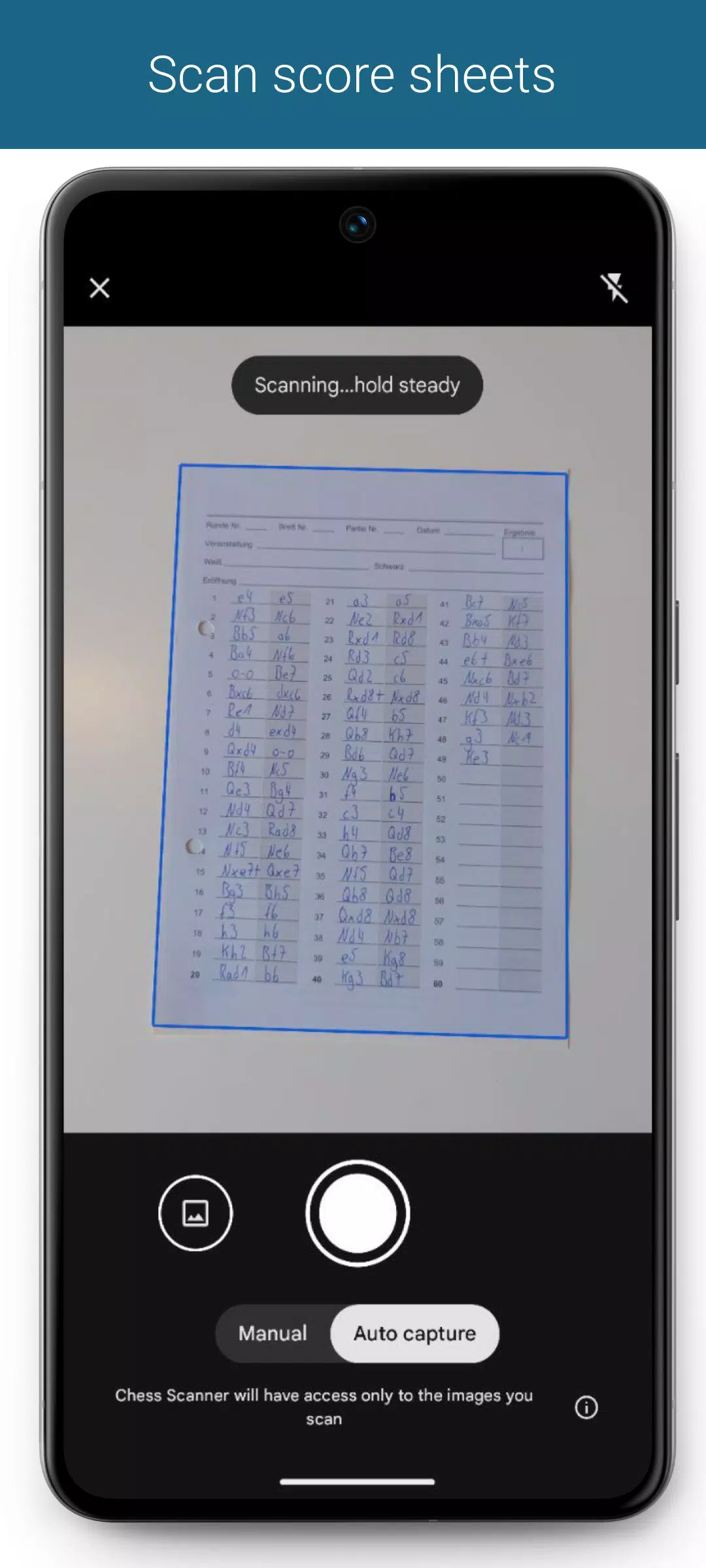
Digitize your games by scanning score sheets.
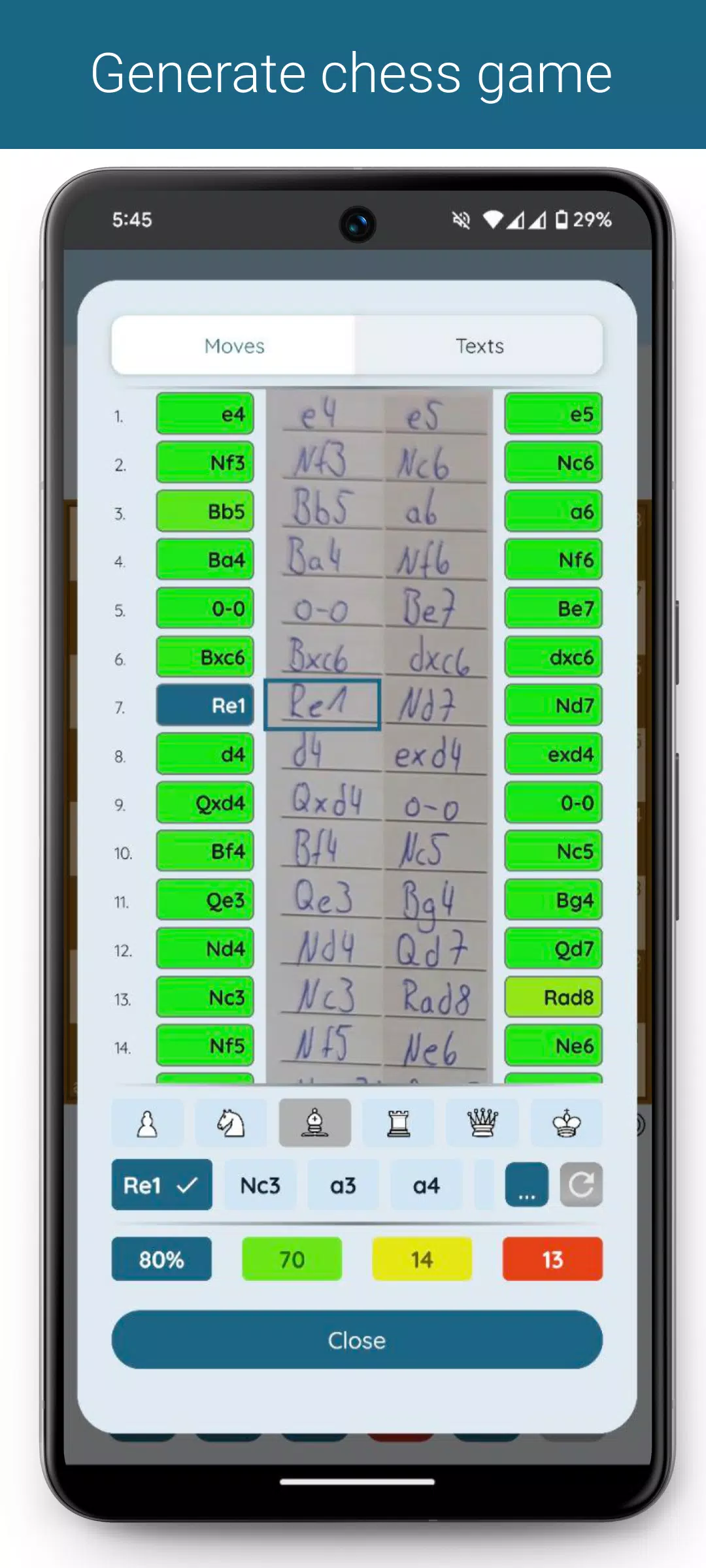
Text is extracted from the score sheet to generate the game. An overview displays the score sheet alongside the generated moves. You can easily correct any incorrectly recognized moves using move suggestions.
Afterward, you can categorize games by tournament, analyze them on Lichess or Chess.com, or export them as PGN files.
Scanning score sheets
Score sheets can be captured using the built-in scanner or selected from your gallery. The sheet is processed directly from the image.
You can specify score sheets for both White and Black players—especially useful for tournament organizers. When generating the game, both versions are considered. Up to two score sheets can be specified per player.
Generate Game
The game can be generated immediately after scanning. Alternatively, you can manually overlay the move grid.
Supported notations
- English: N/B/R/Q/K
- German: S/L/T/D/K
- Dutch: P/L/T/D/K
- Spanish/Italian: C/A/T/D/R
- French: C/F/T/D/R
- Portuguese: C/B/T/D/R
- Czech/Slovak: J/S/V/D/K
You can also specify other notations, but these rely on existing notation models. Text recognition may be less accurate in such cases.
Game generation
Score sheets are sent to our servers for game generation. Processing time depends on the legibility of the score sheet, game length, and internet connection—typically between 1 and 10 seconds.
Generated game overview
An overview shows the score sheet columns with the generated moves. Each move's background color indicates its probability. Tap a move to view the corresponding chess position and suggested alternatives.
Move suggestions
Quickly correct any misrecognized moves using move suggestions, organized by probability. Filter by piece type for more precision. Apply changes and regenerate the game from the current move.
Crossed-out or forgotten moves on the score sheet?
No problem :)
In the game overview, you can skip or insert moves. Then regenerate the game with your adjustments.
Game data
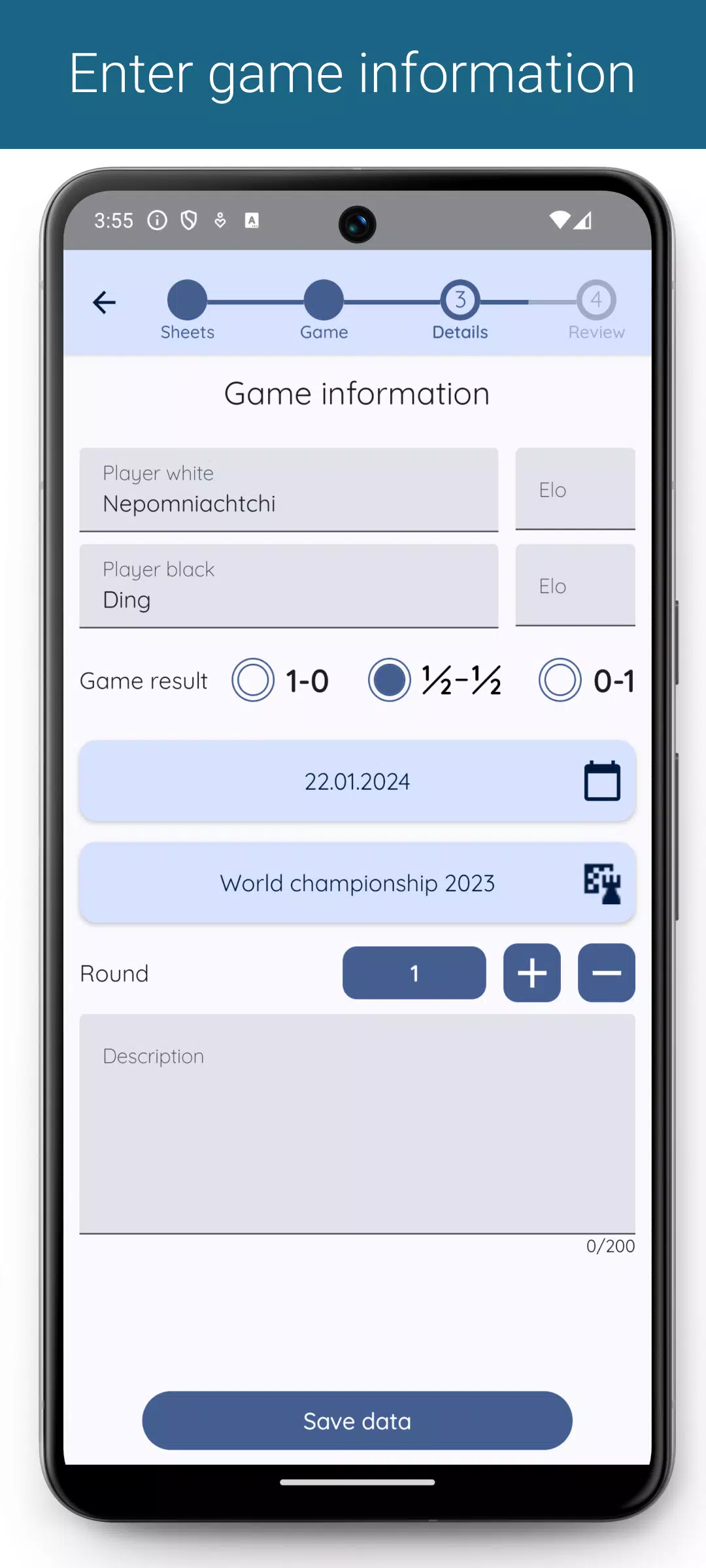
Add player and tournament details to each game. Use the description field to include additional information.
Game overview & filtering
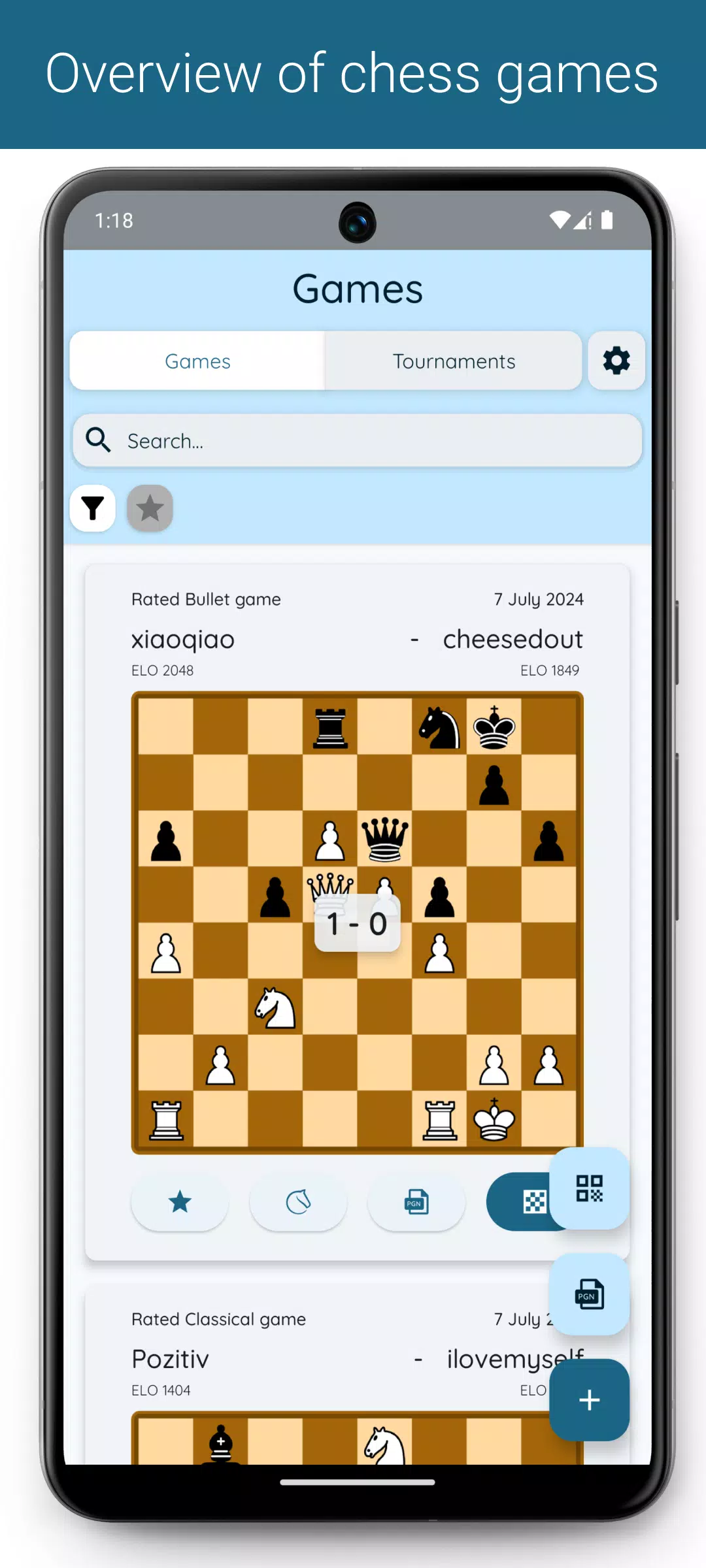
View all your games in one place. Filter by tournament, round, or favorites. Use the search bar to find games by player names or descriptions.
Exporting games (*)
Export filtered or individual games as PGN files. Customize the PGN content in settings—include tournament, round, date, and more.
Importing games
Import additional games into the app via PGN files.
Analyze games (*)
Open games directly in Lichess or Chess.com for analysis.
(*) Premium-only features
For error reports, suggestions, or feedback, email me at:
What's New in the Latest Version 1.8.11
Last updated on Sep 30, 2024
- Added help section with video tutorials for game correction.
- Added support option for reporting app issues.
- Games can now open directly on Chess.com after generation.
- Optimized live update mode.
- Improved game view after scanning QR codes.
- UI adjustments for text fields.
-
1Block Wars Survival Games
-
2Ben 10 A day with Gwen
-
3Slave Hunter
-
4The Lewd House: Helping Hand [v0.1.1]
-
5Nymphomania Idle Brothel
-
6Mesugaki-chan Wants to Make Them Understand
-
7Grow Muscles:Gym Game
-
8University Days! – Version 0.4.0 – Added Android Port
-
9Nganya 254 (Matatu Game)
-
10Nymphomania Paradox
-
 Sonic Racing: CrossWorlds Characters and Tracks Revealed for Upcoming Closed Network Test
-
 Marvel Rivals Season 1 Release Date Revealed
-
 Announcing Path of Exile 2: Guide to Sisters of Garukhan Expansion
-
 RAID Shadow Legends: Mythical Champions Tier List Revealed
-
 Honkai: Star Rail Update Unveils Penacony Conclusion
-
 Best Model Kits for Adults in 2025: Ultimate Guide